
Free AI makeup try-on
Add makeup to a photo
Have a photo you like but want to see it with makeup, or with different makeup? Upload it, pick a look, and get the same photo back with that look added. It keeps everything else in the picture as it was: your face, hair, clothes and background.
It's built for photos of you. Pick from our looks, paste an Instagram post link, or add a screenshot of a look you saved, then download the result or share it.
Looks you can add
12 looks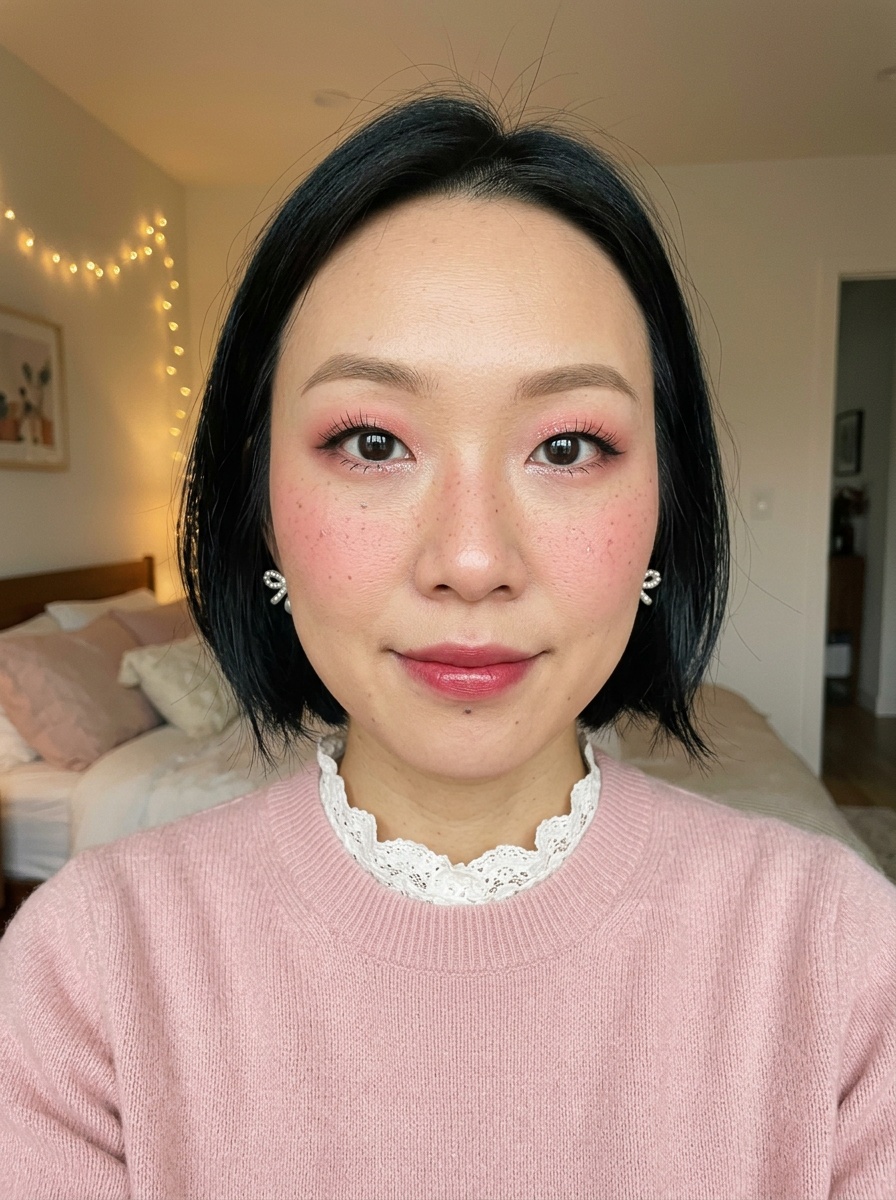 Douyin Makeup
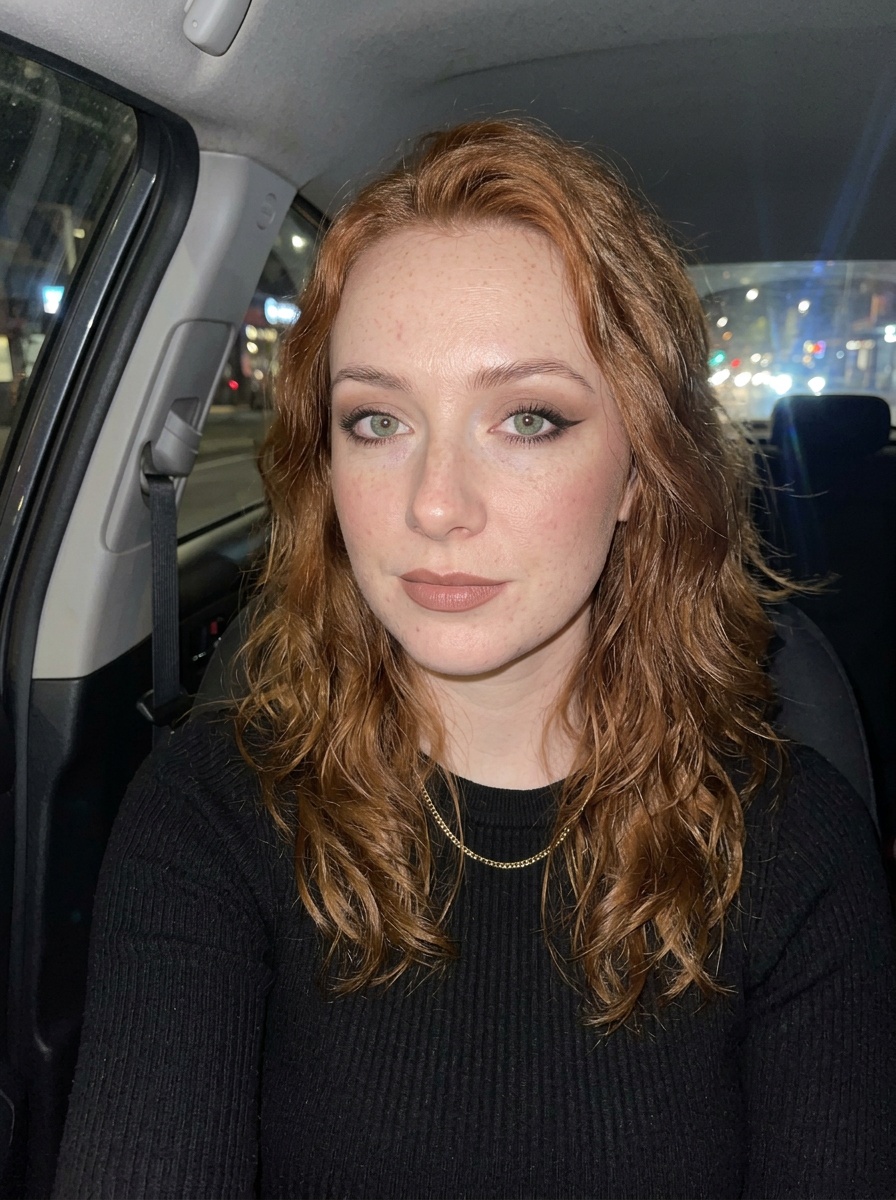 Siren Eyes
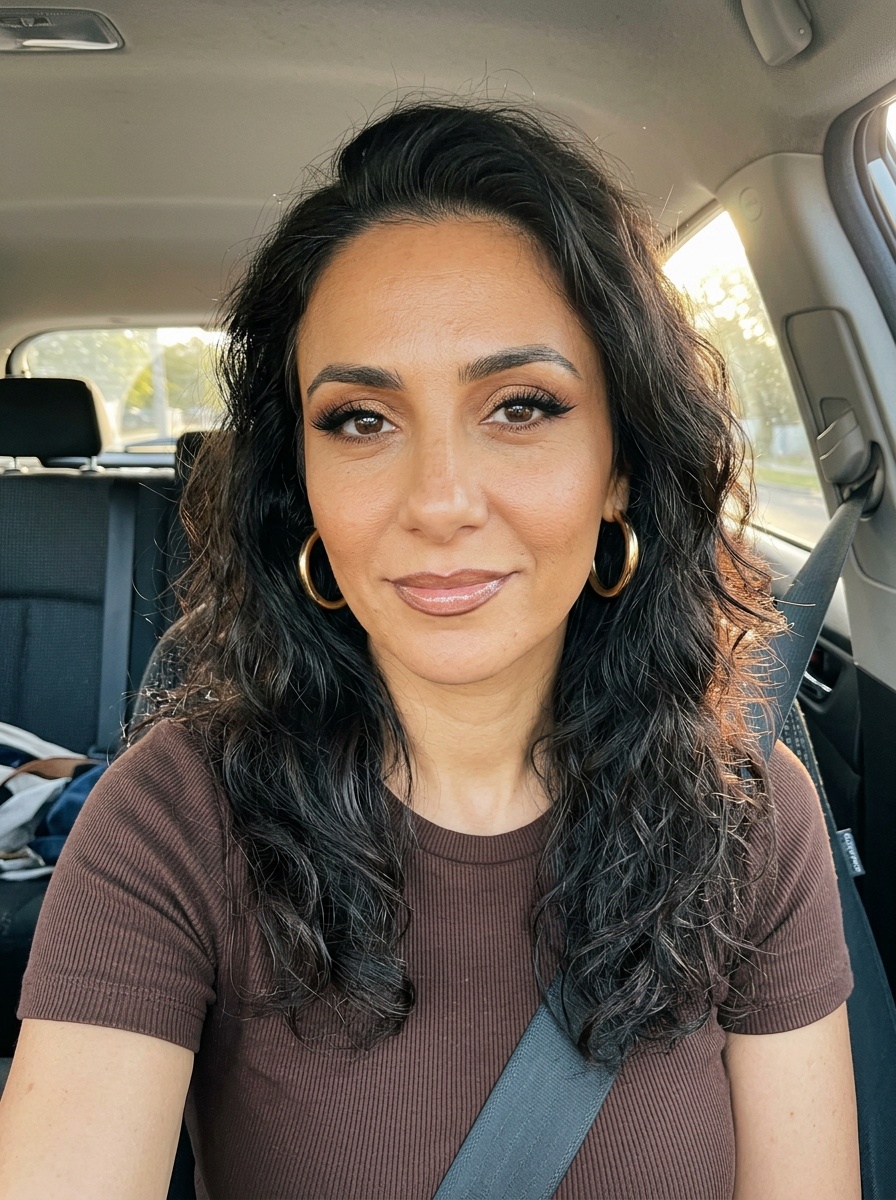 Latina Glam
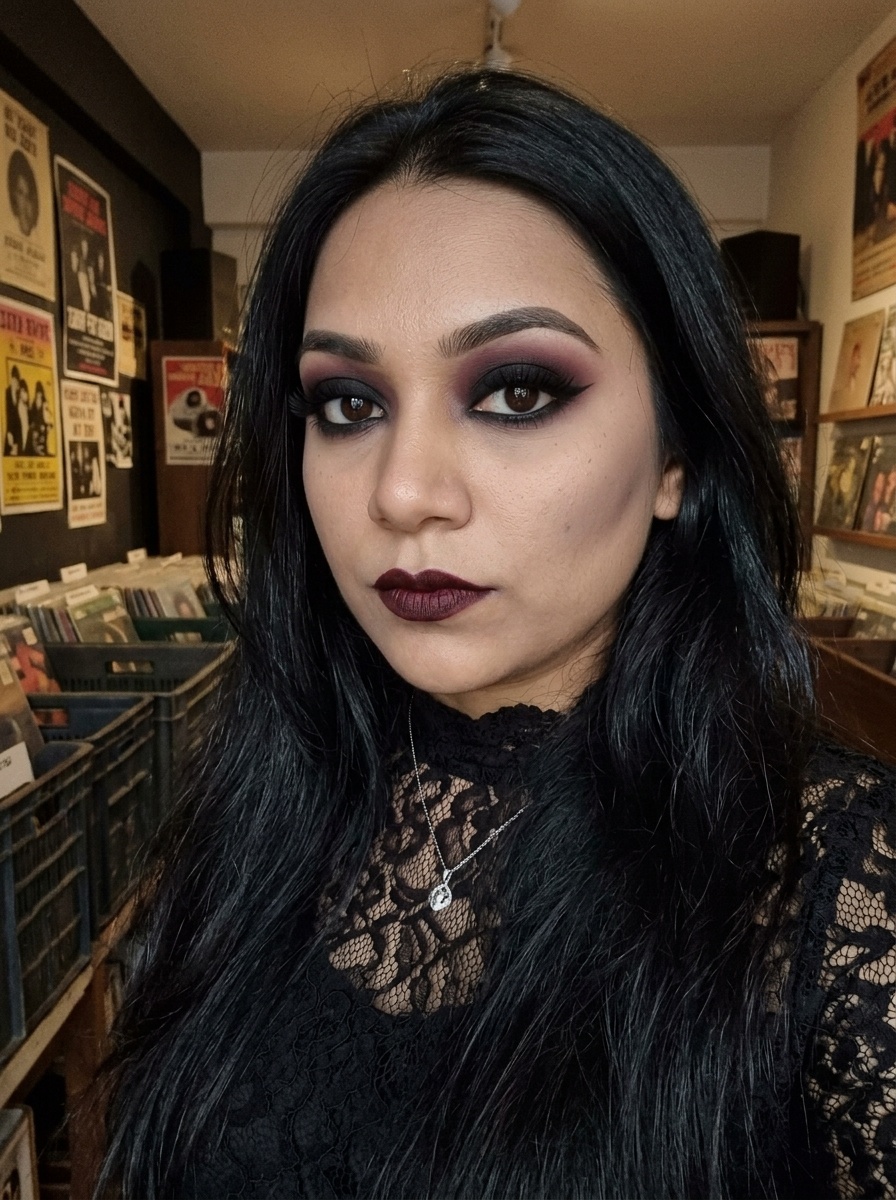 Goth Makeup
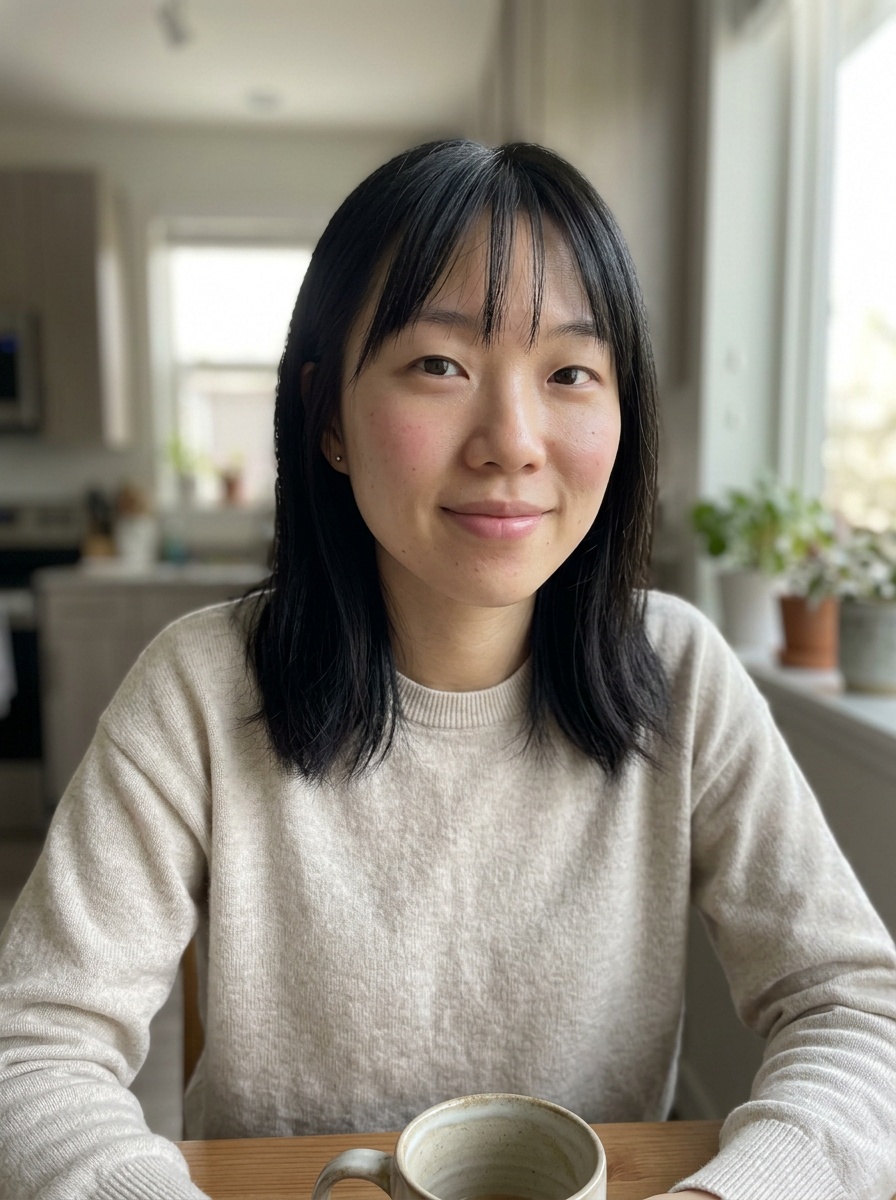 Natural Makeup
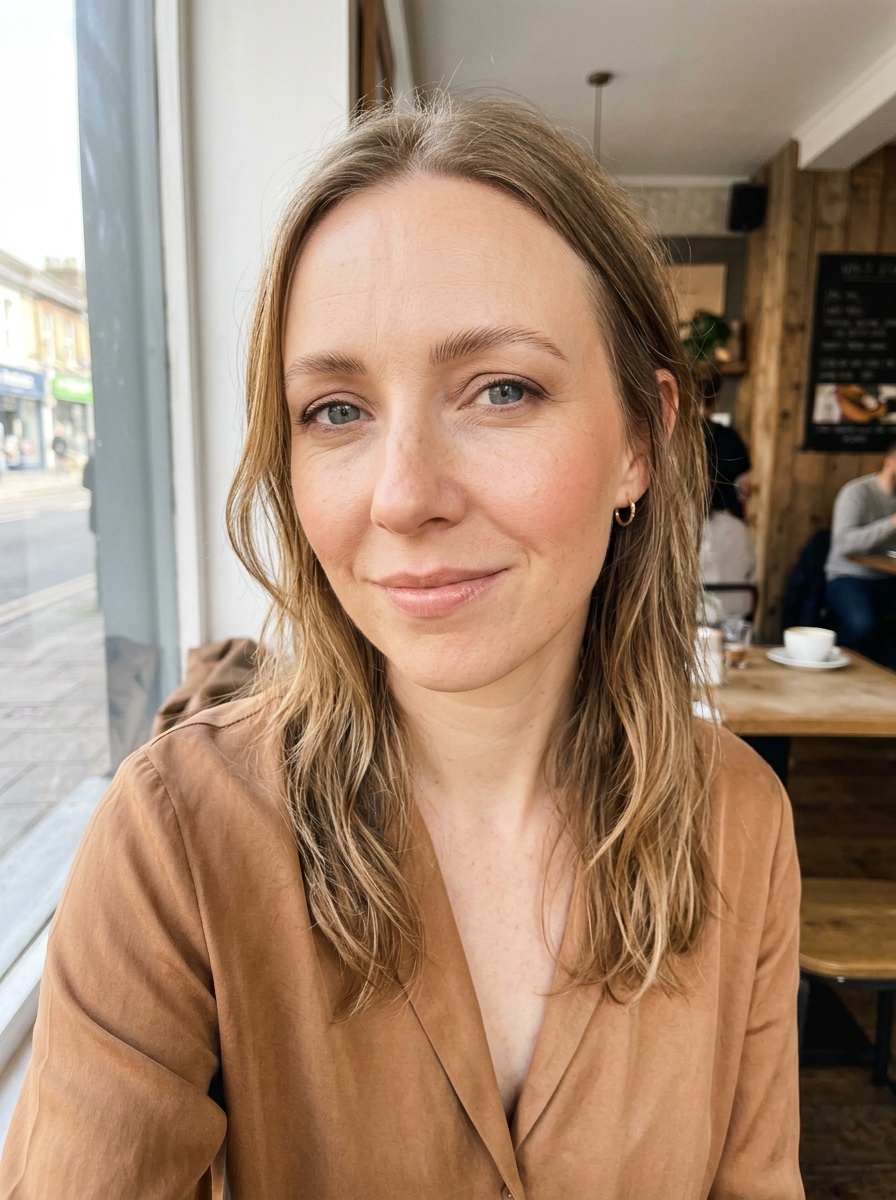 Soft Glam
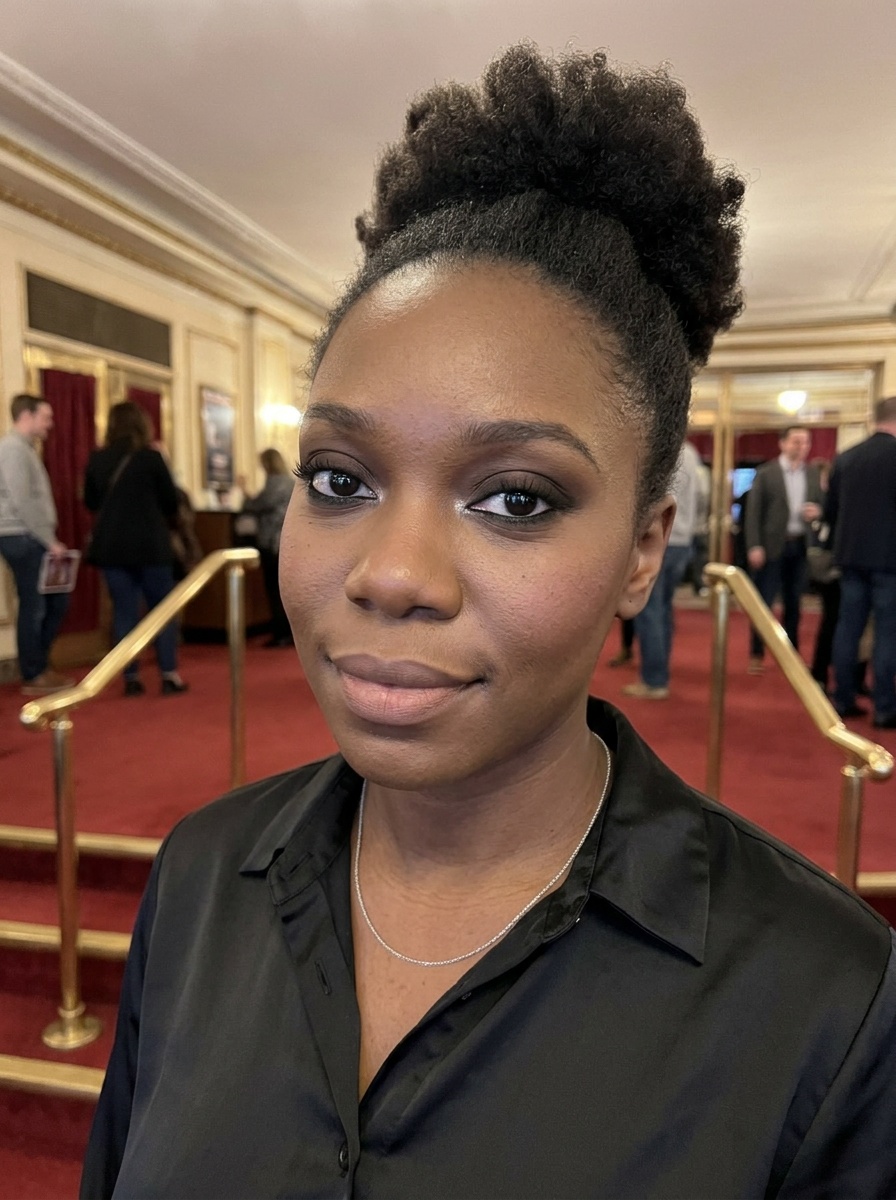 Classic Smokey Eye
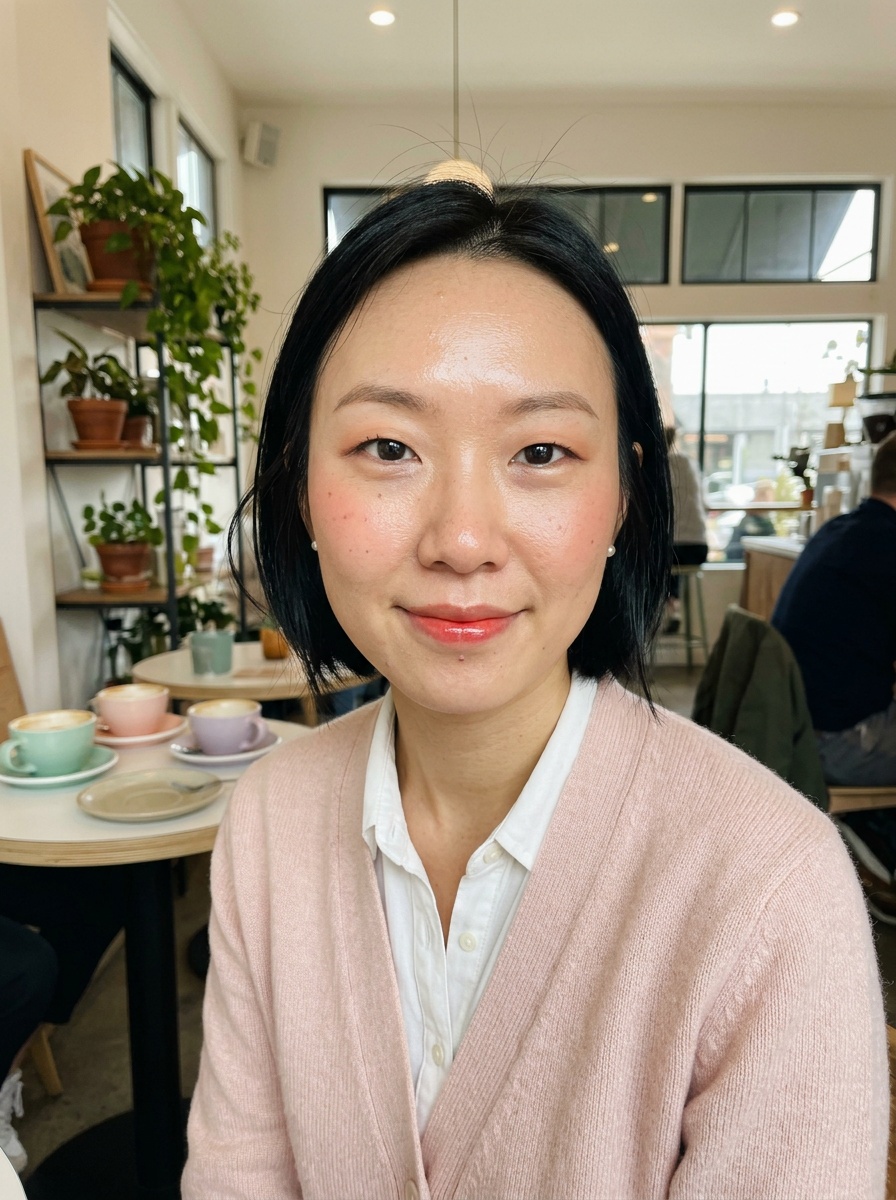 Korean Makeup
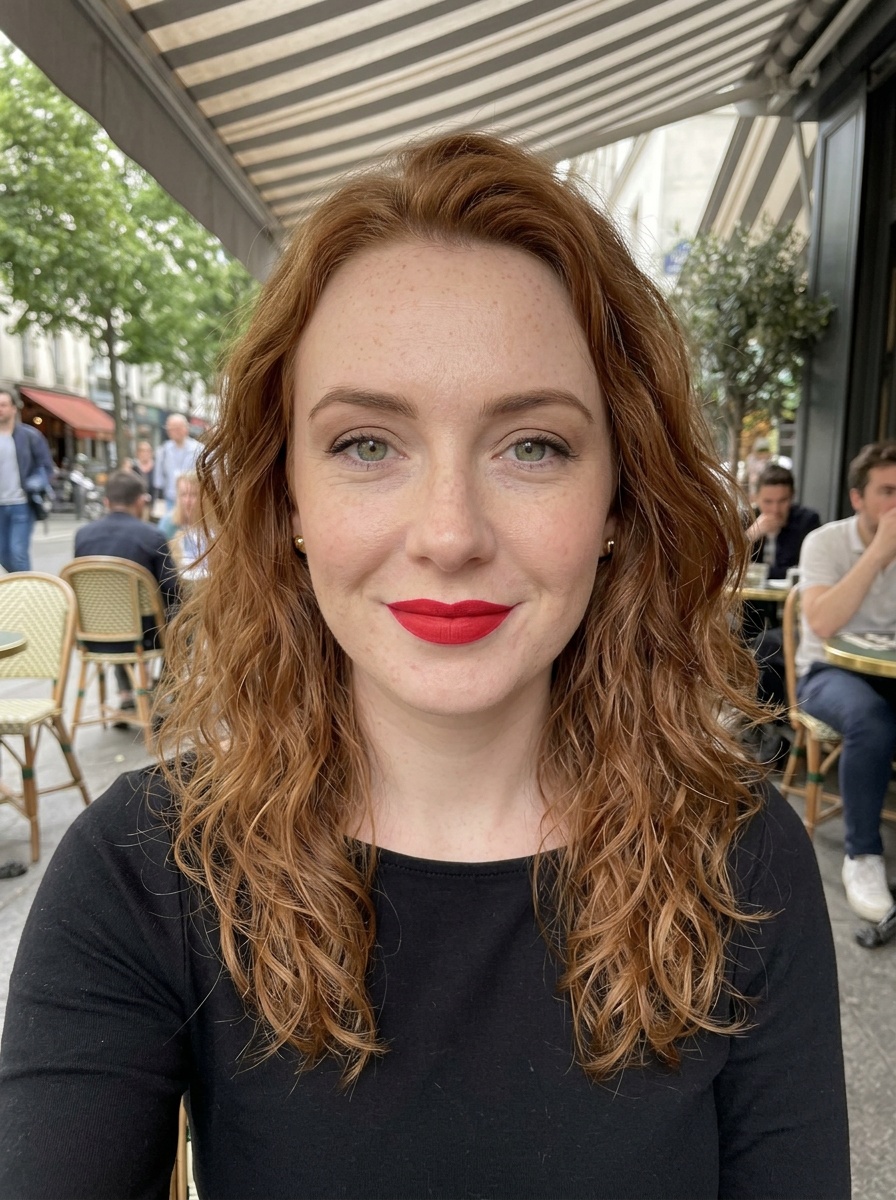 Classic Red Lip
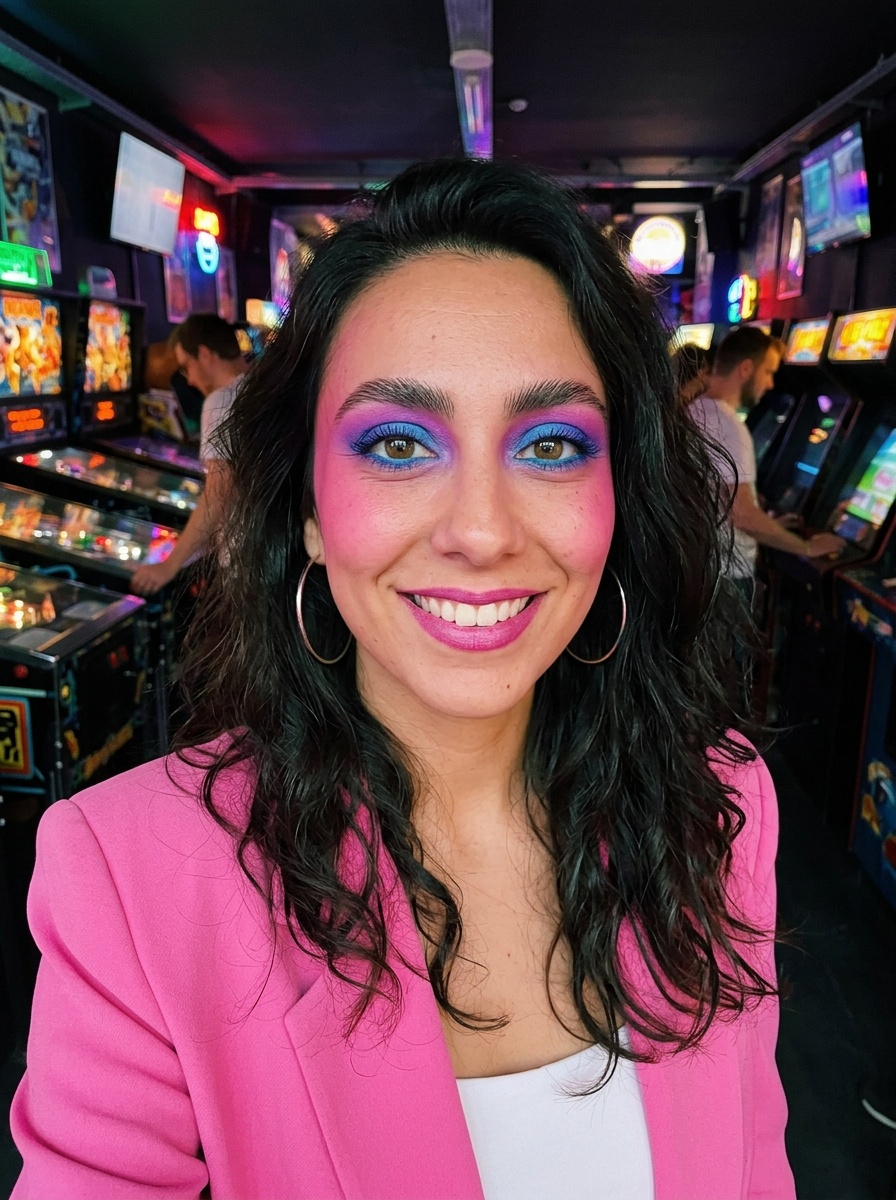 80s Makeup
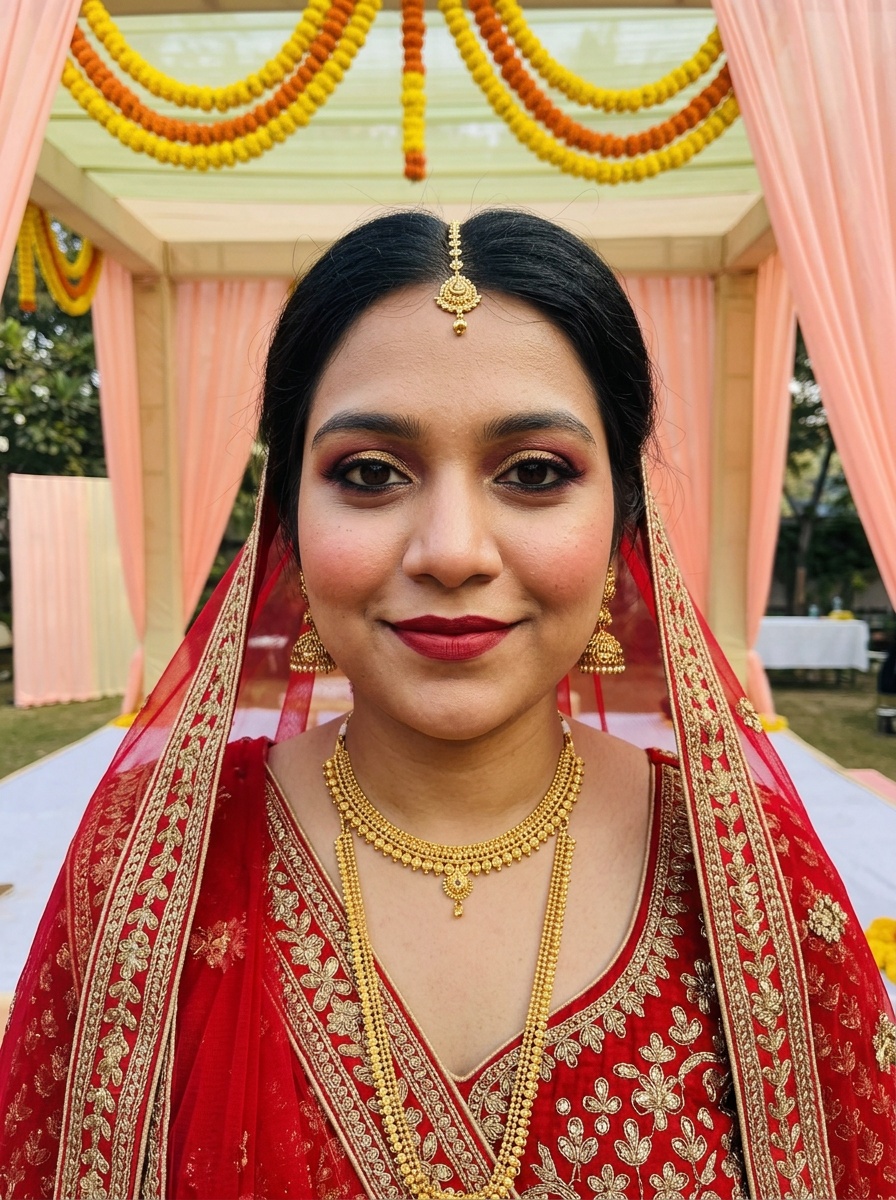 Indian Bridal Makeup
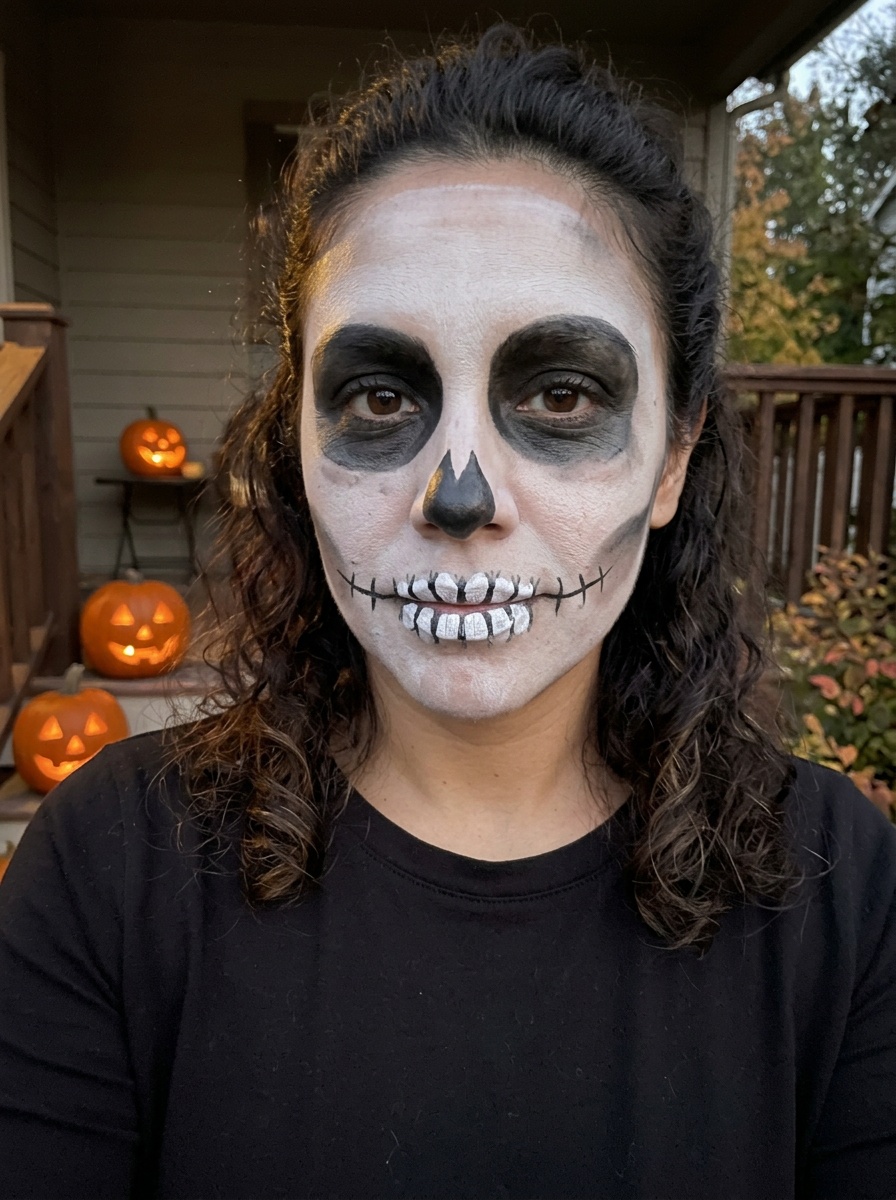 Skeleton Makeup
Which photos work best
- A clear photo of one face, looking roughly at the camera, works best.
- Higher resolution helps the eyes and lips come out sharp. A crop to your head and shoulders is fine.
- Even light on the face gives truer colours than a strong shadow across one side.
- Photos with glasses work. Sunglasses hide the eyes, so eye looks won't show.
- For a natural result, start from a photo with little or no makeup on.
Questions
- Can I add makeup to an old photo?
- Yes, as long as it's a clear photo of your own face and you're 18 or over. The result is the same photo with the look added.
- Can I download the result?
- Yes. Download it or share it from the result page. It also stays in Your try-ons on that browser for 7 days.
- Is it free?
- Your first 3 try-ons are free, with no sign-up. Failed try-ons don't use one.