
Free AI makeup try-on
AI makeup on your own selfie
The AI works in two steps. First it reads the look: from our written method for a library look, or from the picture when you paste an Instagram link or add a screenshot. Then it paints that makeup onto your selfie, matching foundation to your own skin tone and keeping your face as it is.
Our library has looks from soft glam and Douyin makeup to goth, retro decades and Halloween face paint, each shown on several different faces so you can see how it changes from one person to the next.
Popular AI makeup looks
12 looks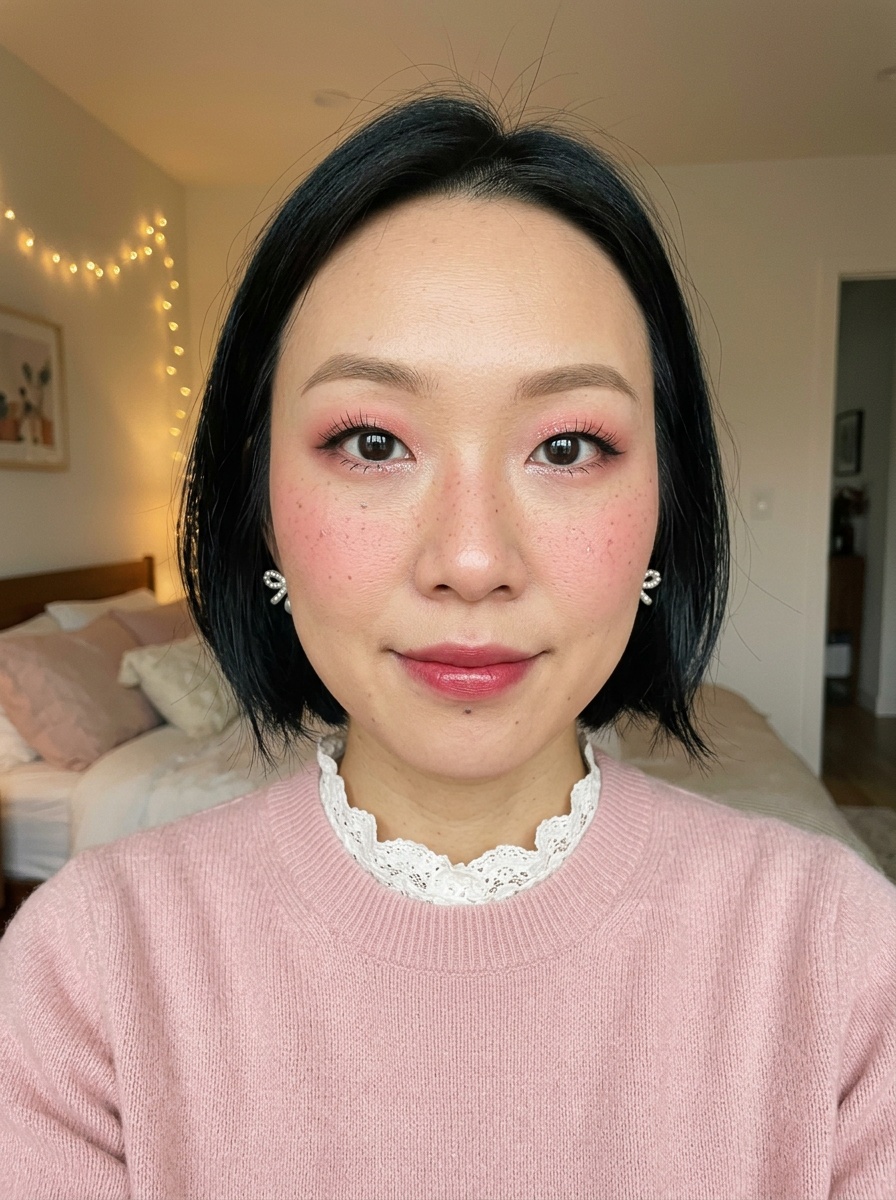 Douyin Makeup
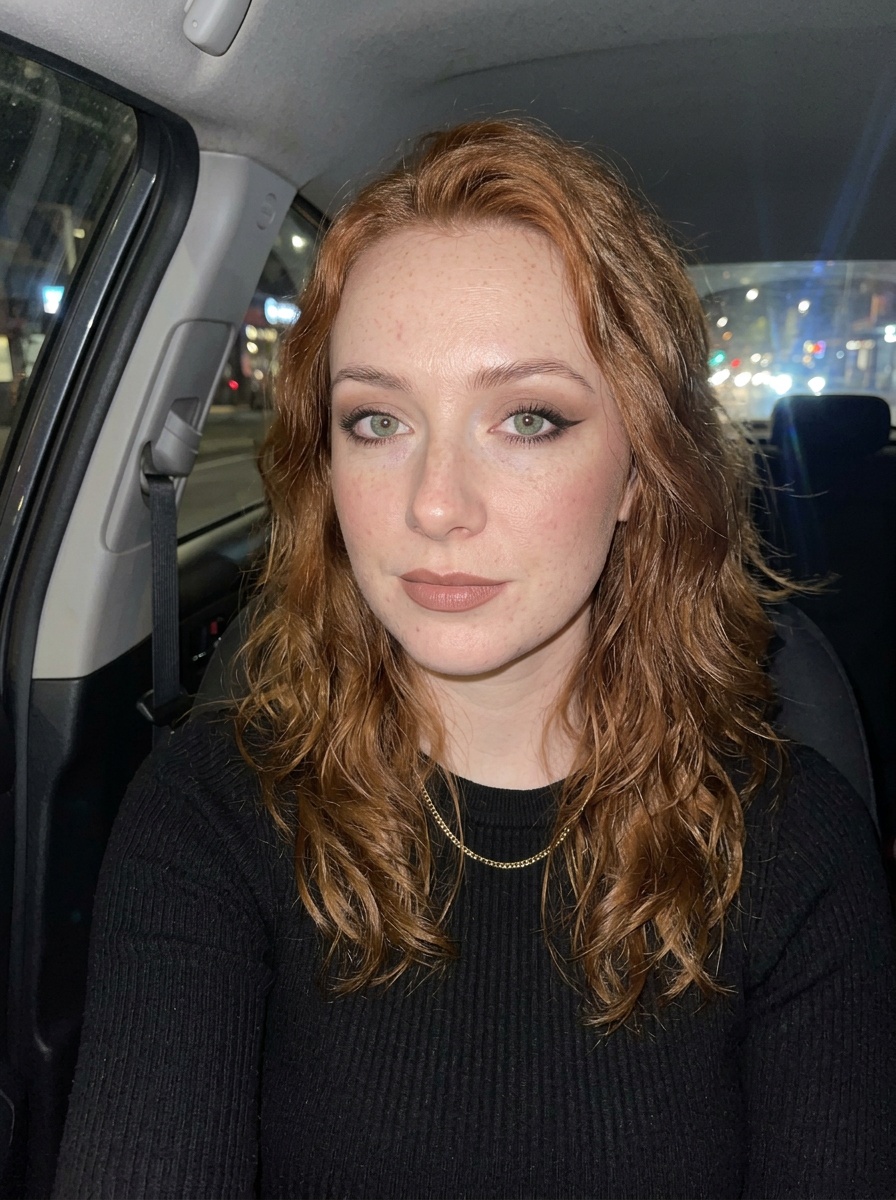 Siren Eyes
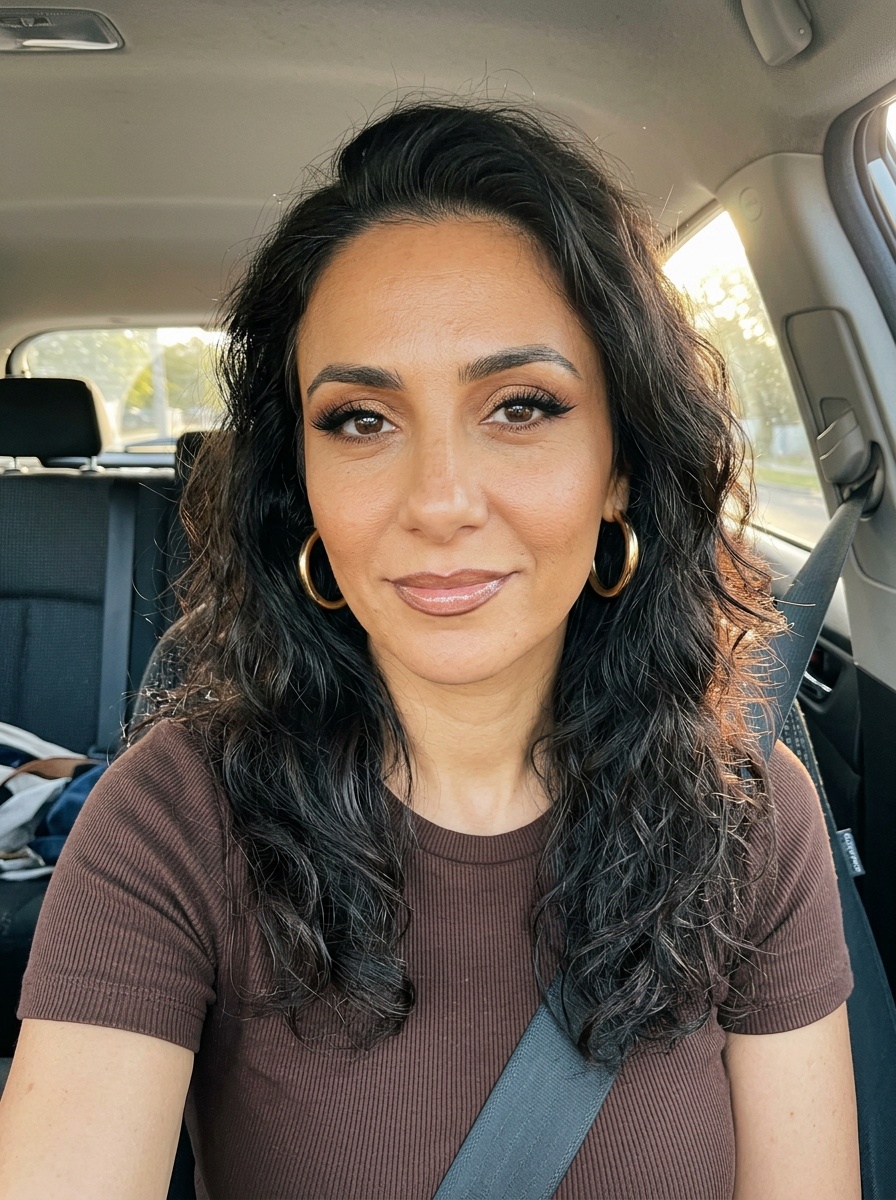 Latina Glam
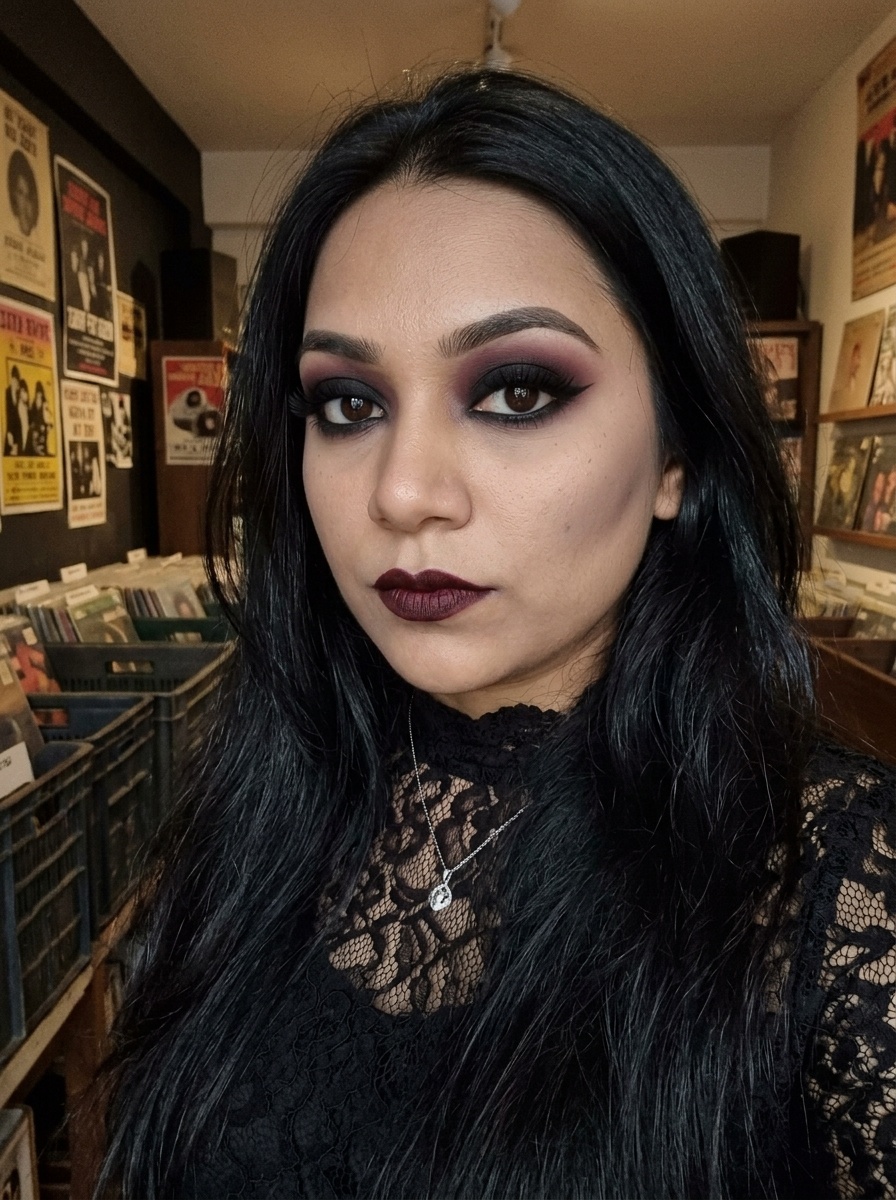 Goth Makeup
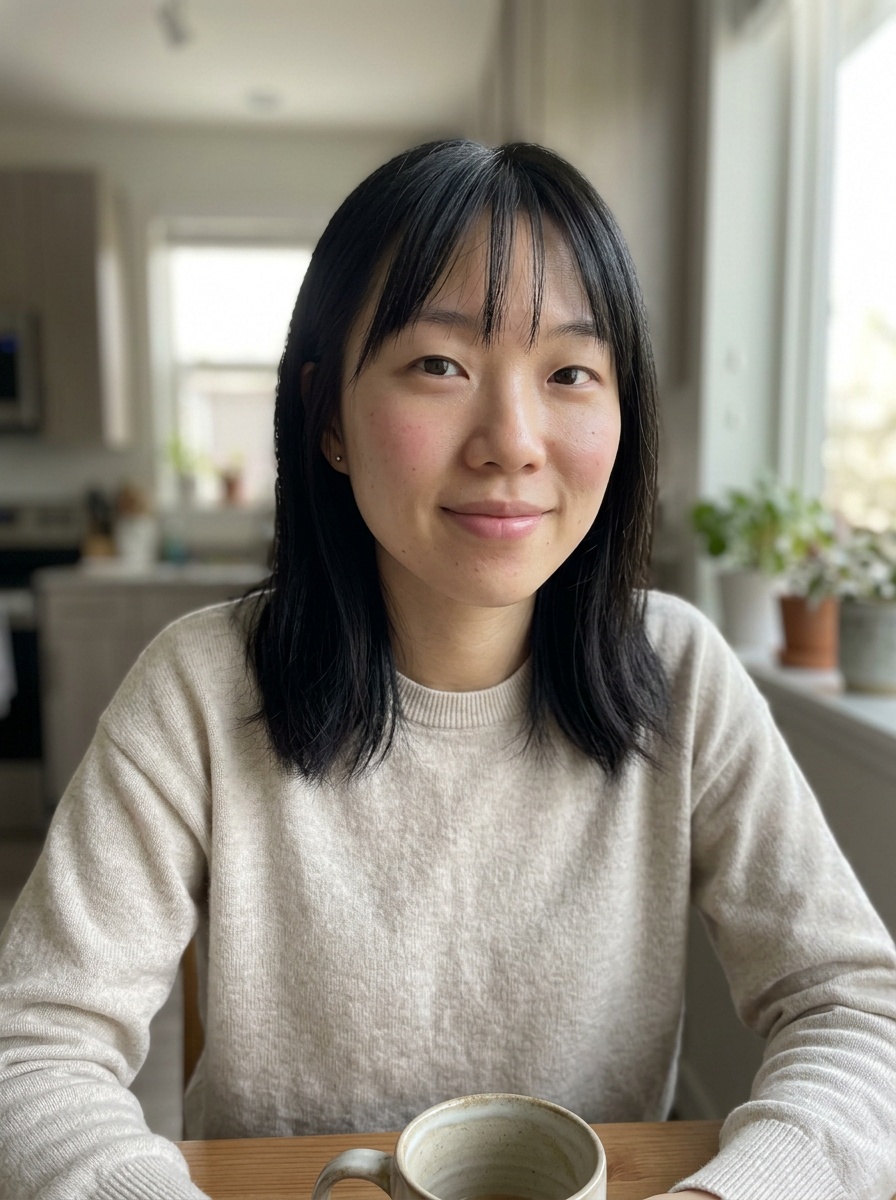 Natural Makeup
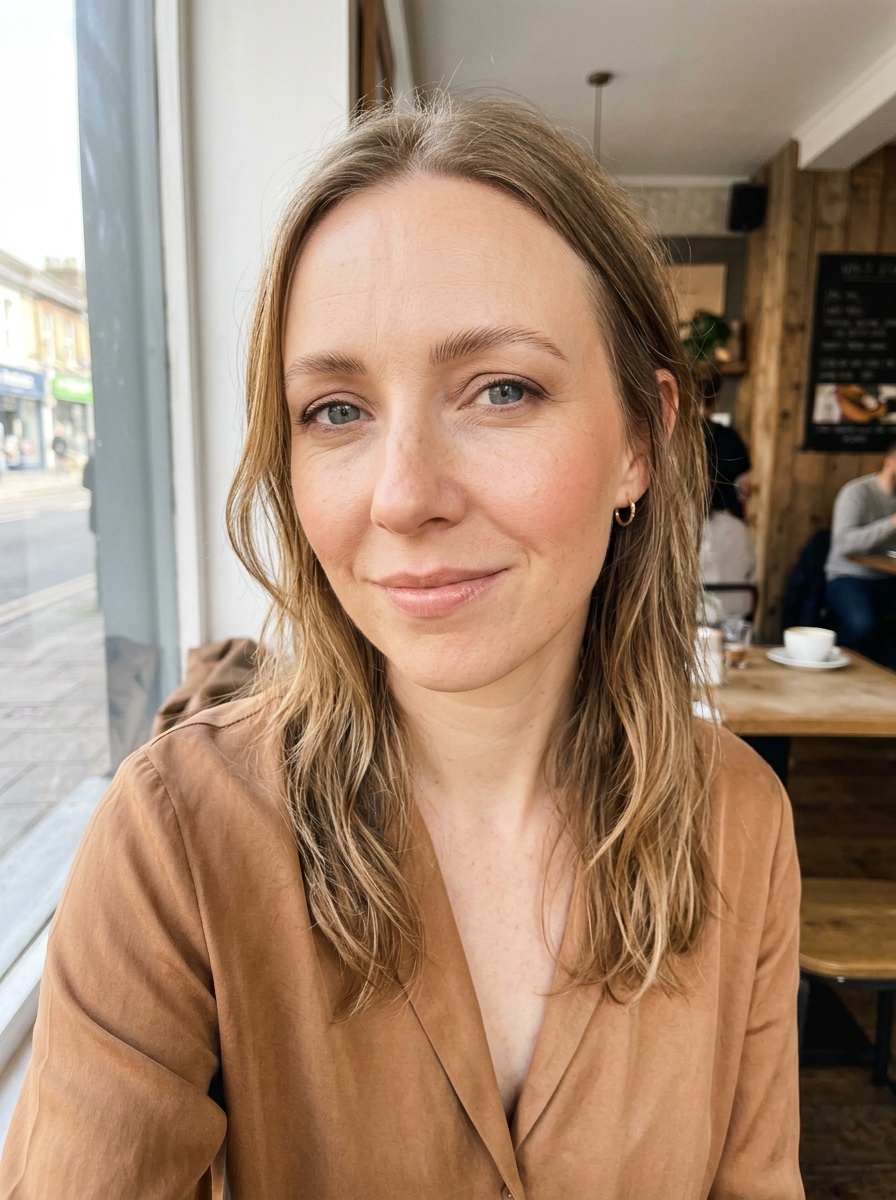 Soft Glam
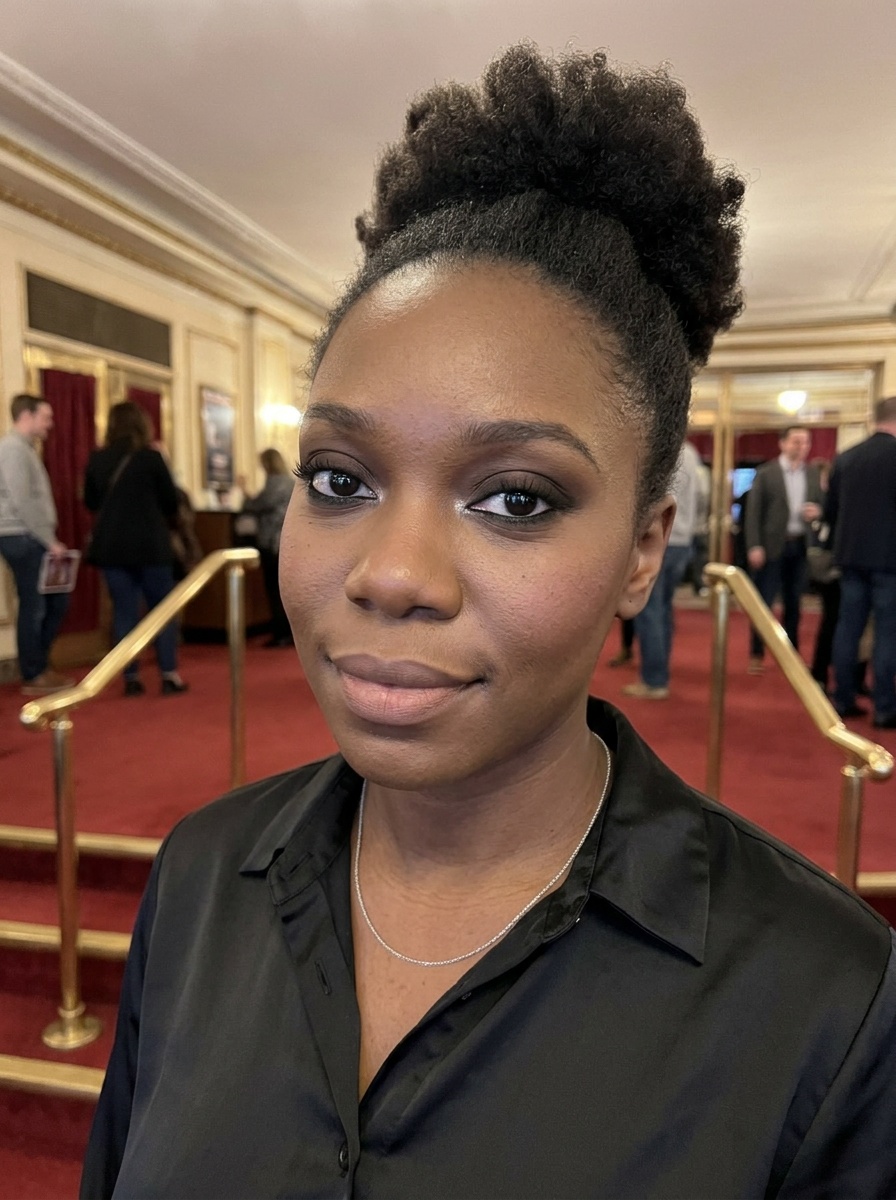 Classic Smokey Eye
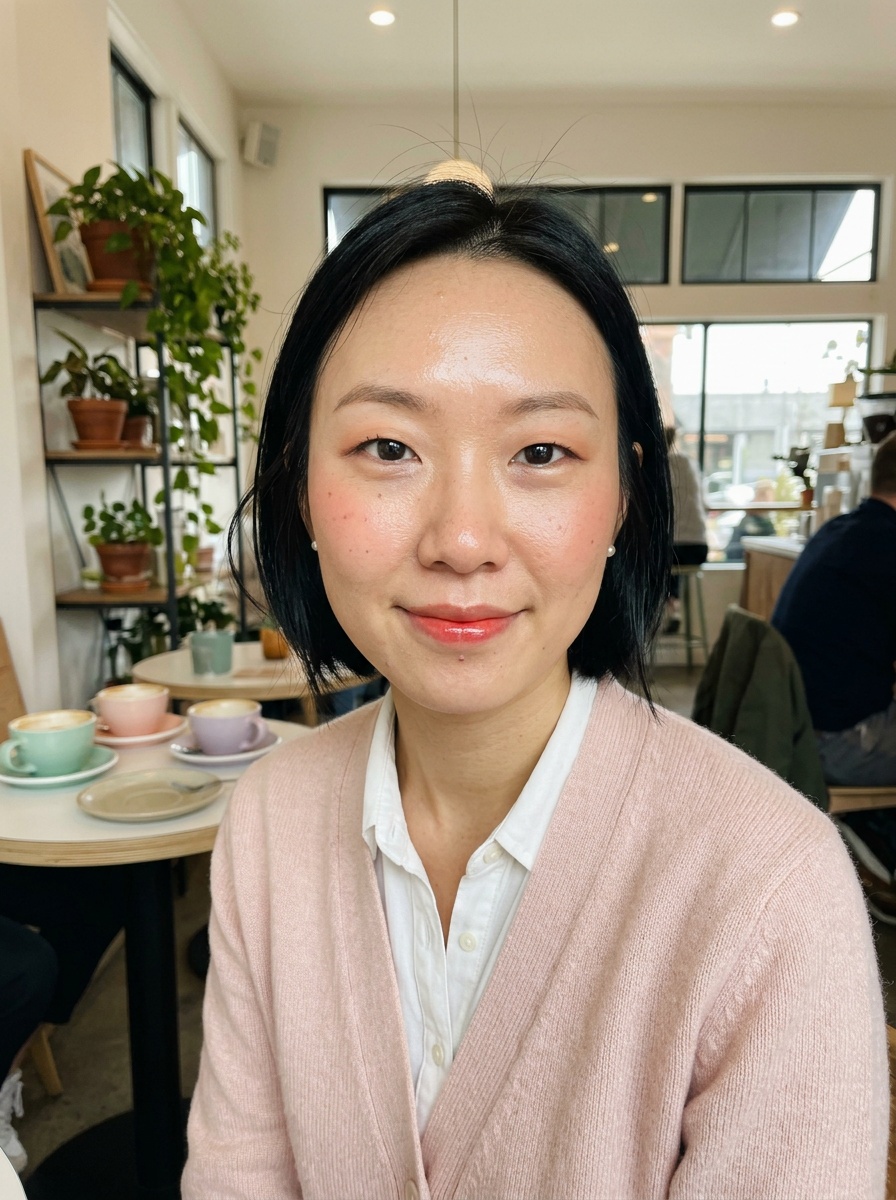 Korean Makeup
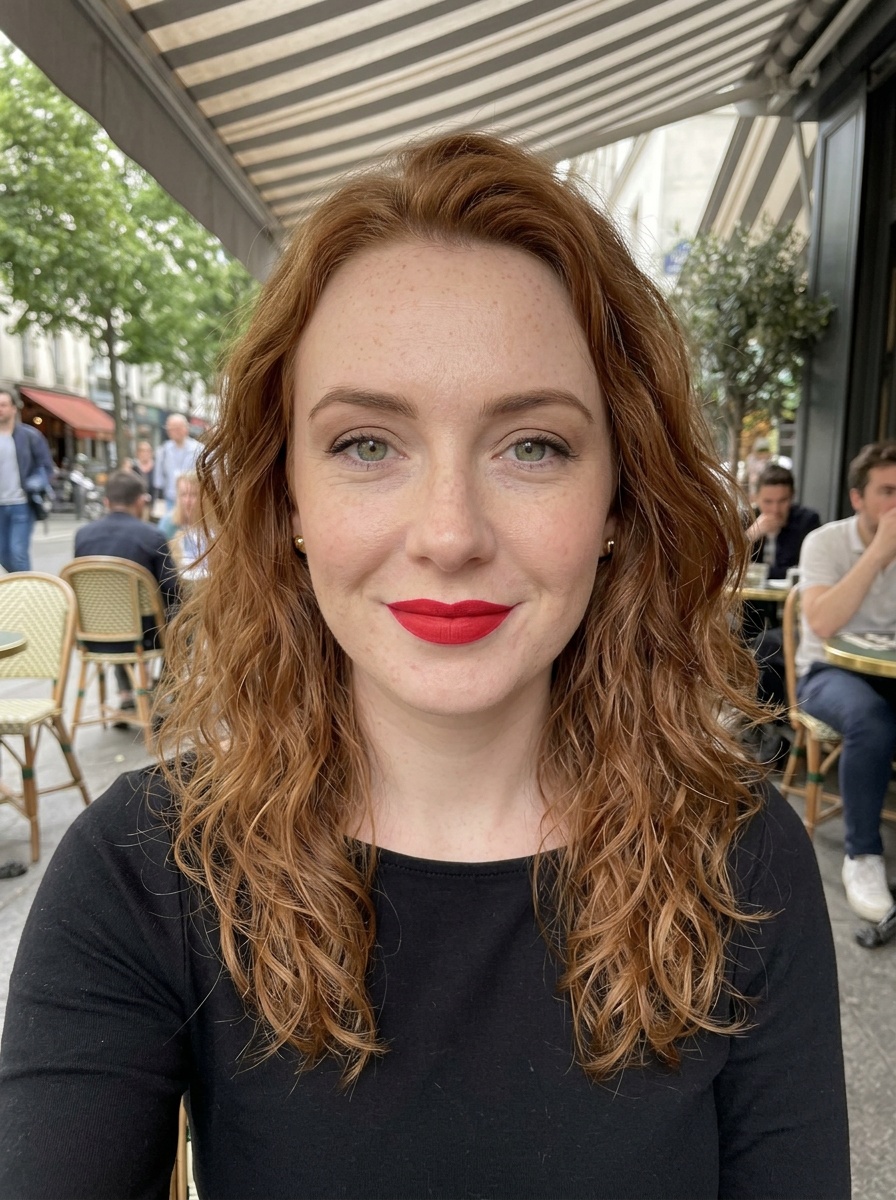 Classic Red Lip
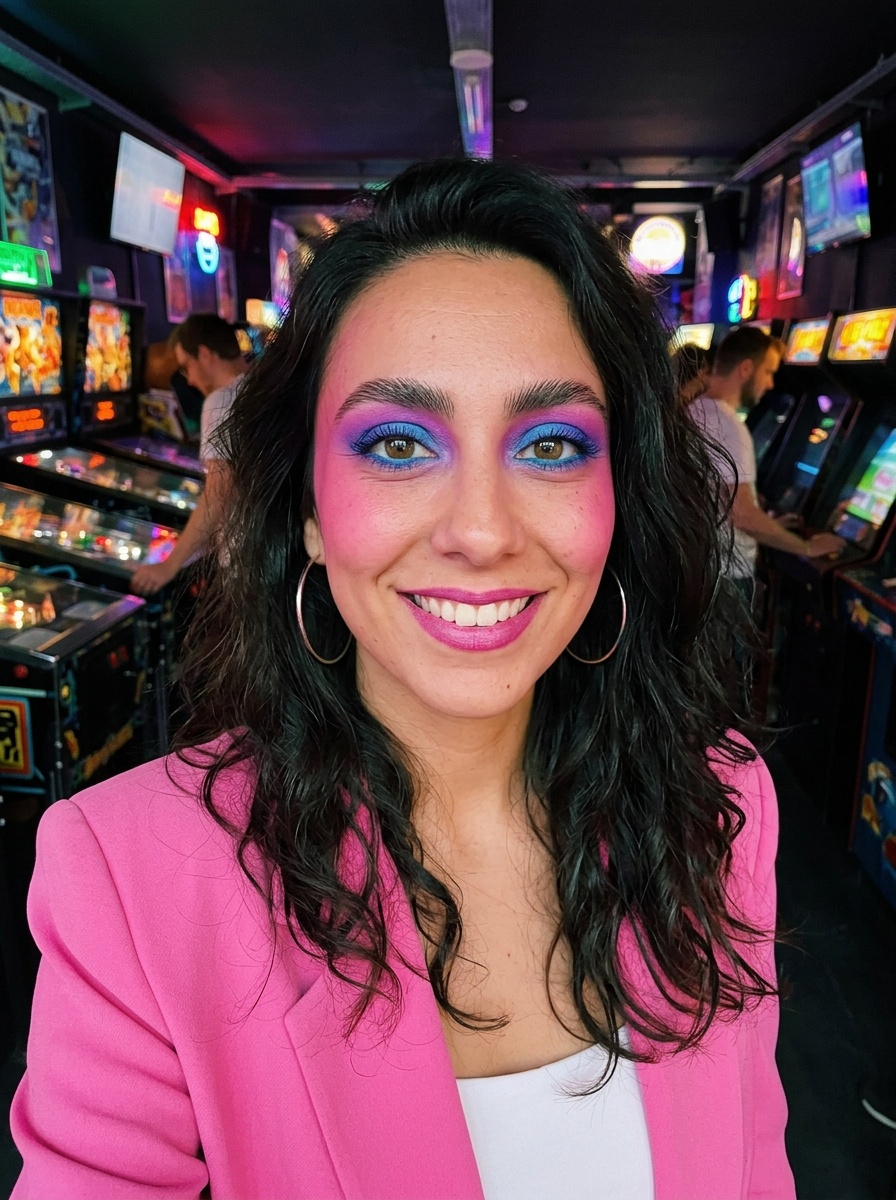 80s Makeup
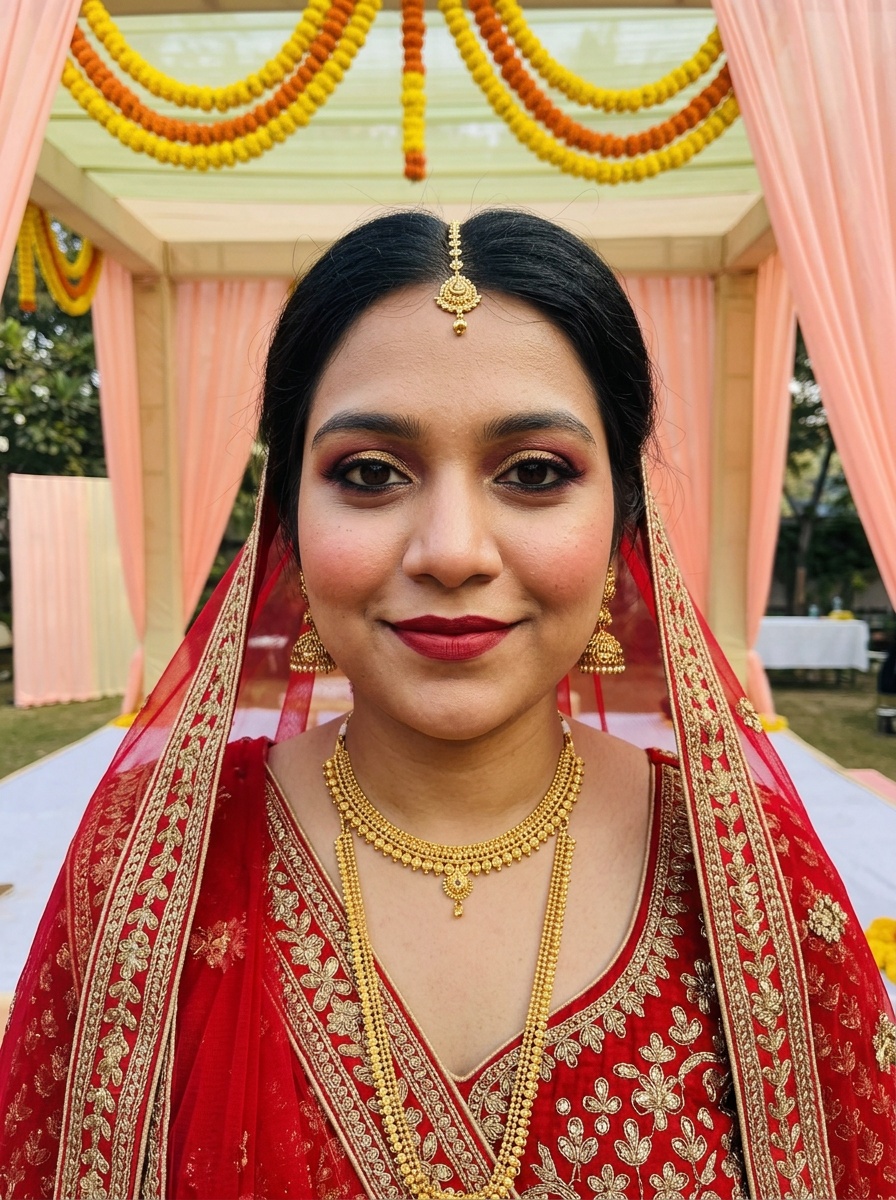 Indian Bridal Makeup
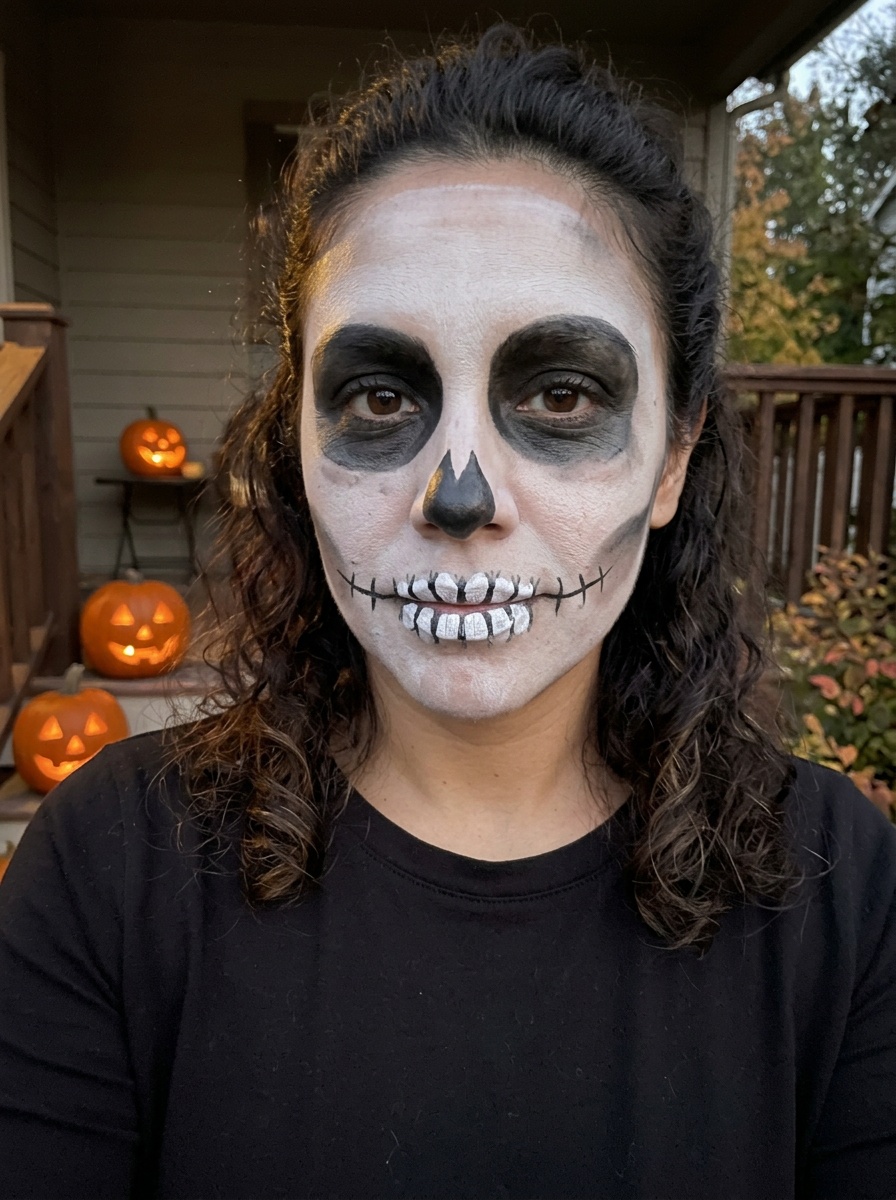 Skeleton Makeup
What the AI does and doesn't do
- It matches the base to your skin tone, so foundation and concealer don't change your colouring.
- It keeps your eyes as they are and adds shadow, liner and lashes around them, without reshaping them.
- It reads a look from a screenshot, so a post you saved on TikTok or Pinterest works too.
- It doesn't change your hair, your clothes or your face shape. For those, it's the wrong tool.
- It checks the photo first and refuses photos of children, more than one face, or anything explicit.
Questions
- Which AI does the makeup?
- Google's image model puts the makeup on your selfie, and a vision model reads the look from a screenshot. Both run through providers we name on the privacy page.
- How accurate is it?
- It's a preview, not a promise. Colours and placement follow the look closely, and the result keeps your features, so it's a good guide to whether a look suits you.
- How many can I try?
- 3 free try-ons per visitor, with no account. Failed try-ons don't count.