
Free AI makeup try-on
A makeup filter that keeps your face
Beauty filters smooth skin, slim noses and enlarge eyes, so the result stops looking like you. This does the opposite. It adds a makeup look to your photo and leaves the rest alone: the same skin texture, the same eye shape, the same features. What changes is the makeup.
That makes it useful for a decision, not just a selfie. Try a red lip, a smokey eye or a full bridal look and see whether it suits your face before you put it on for real.
Looks people try as a filter
12 looks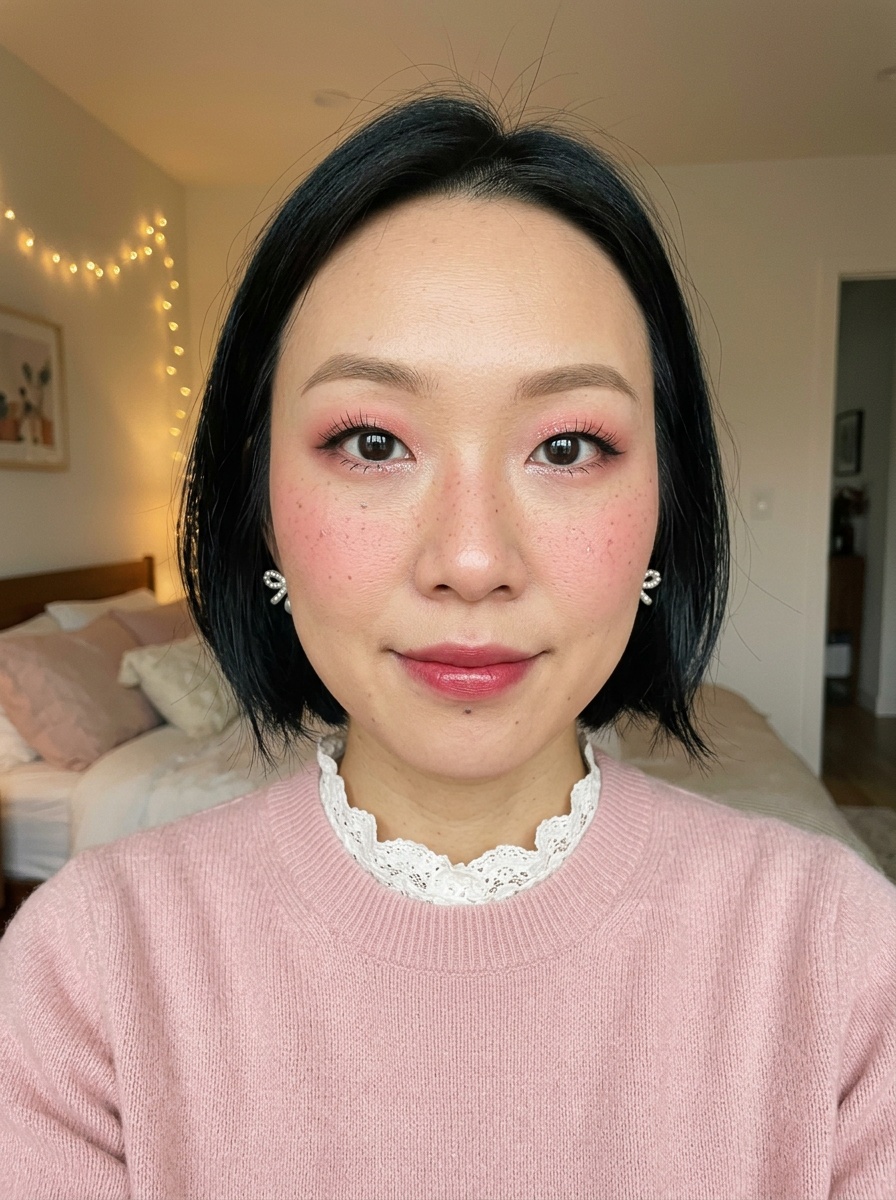 Douyin Makeup
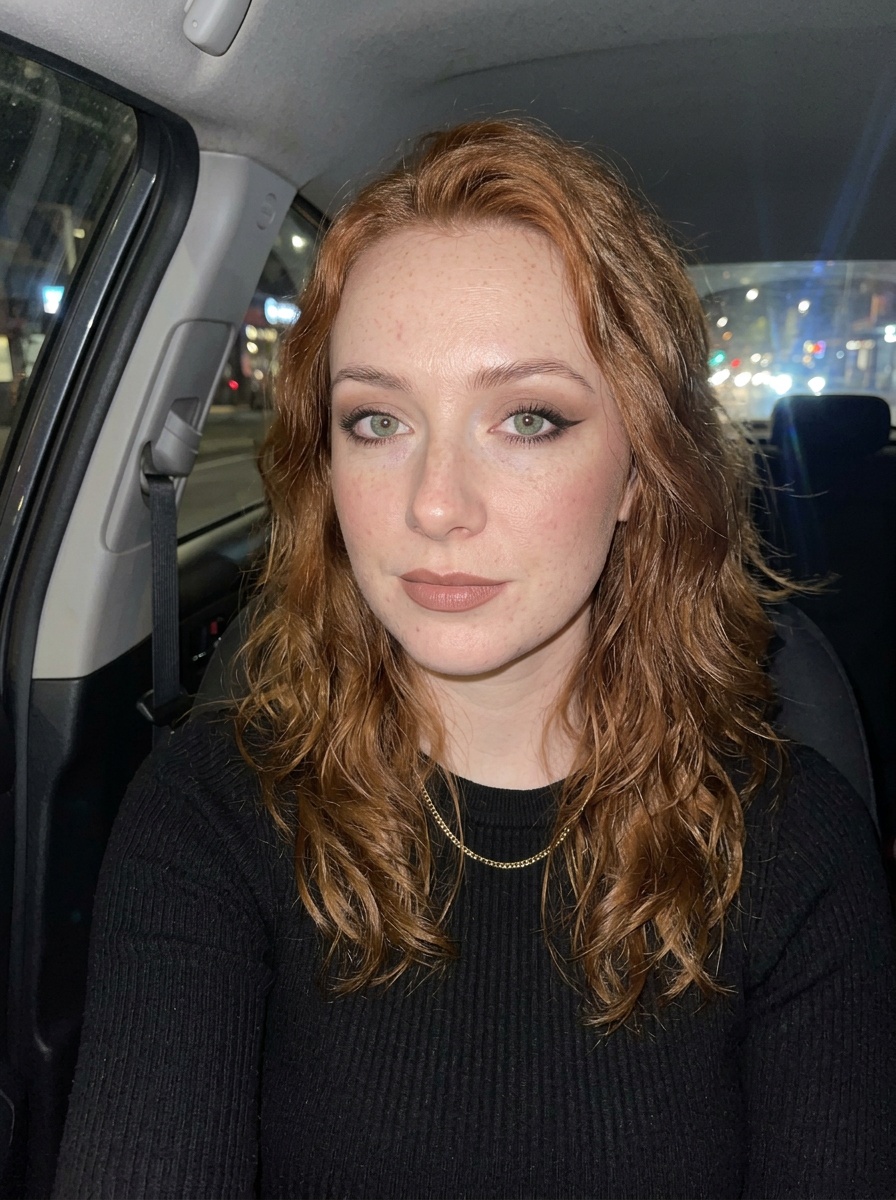 Siren Eyes
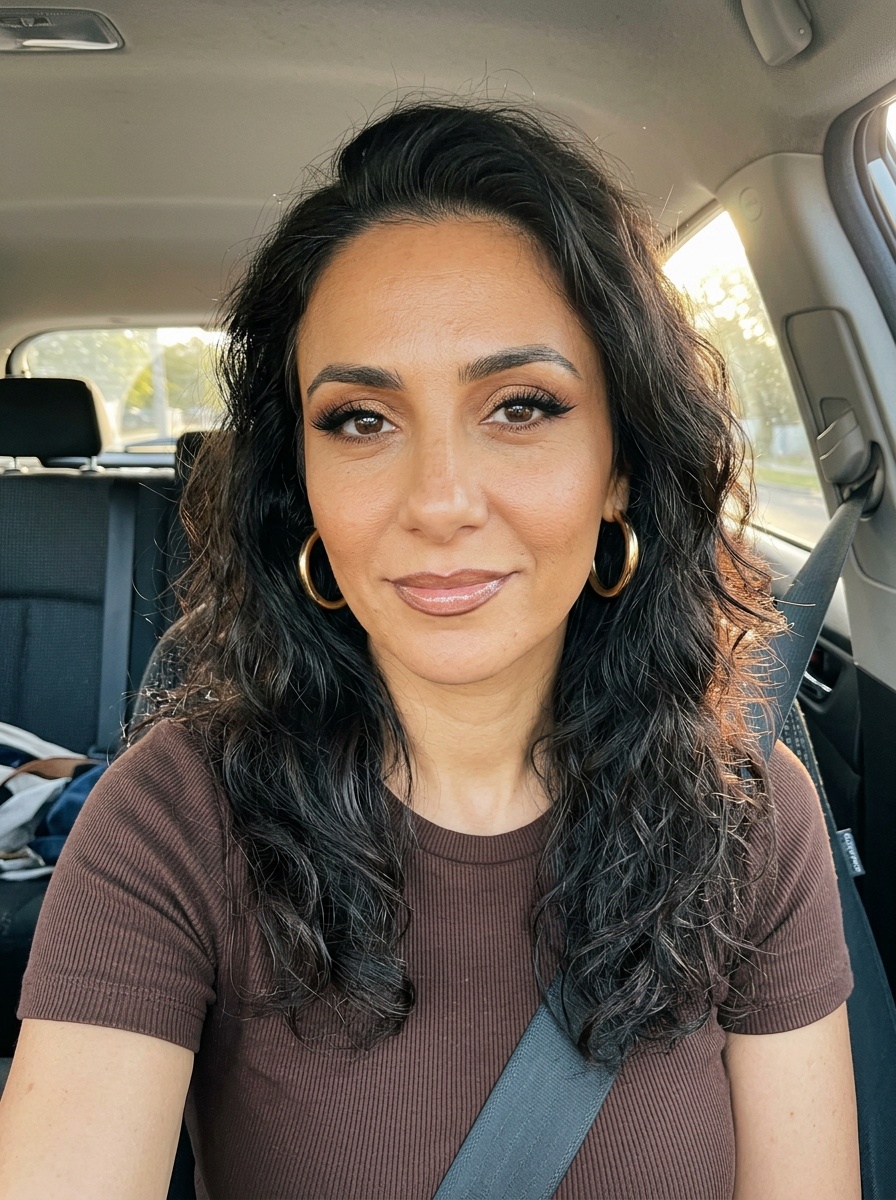 Latina Glam
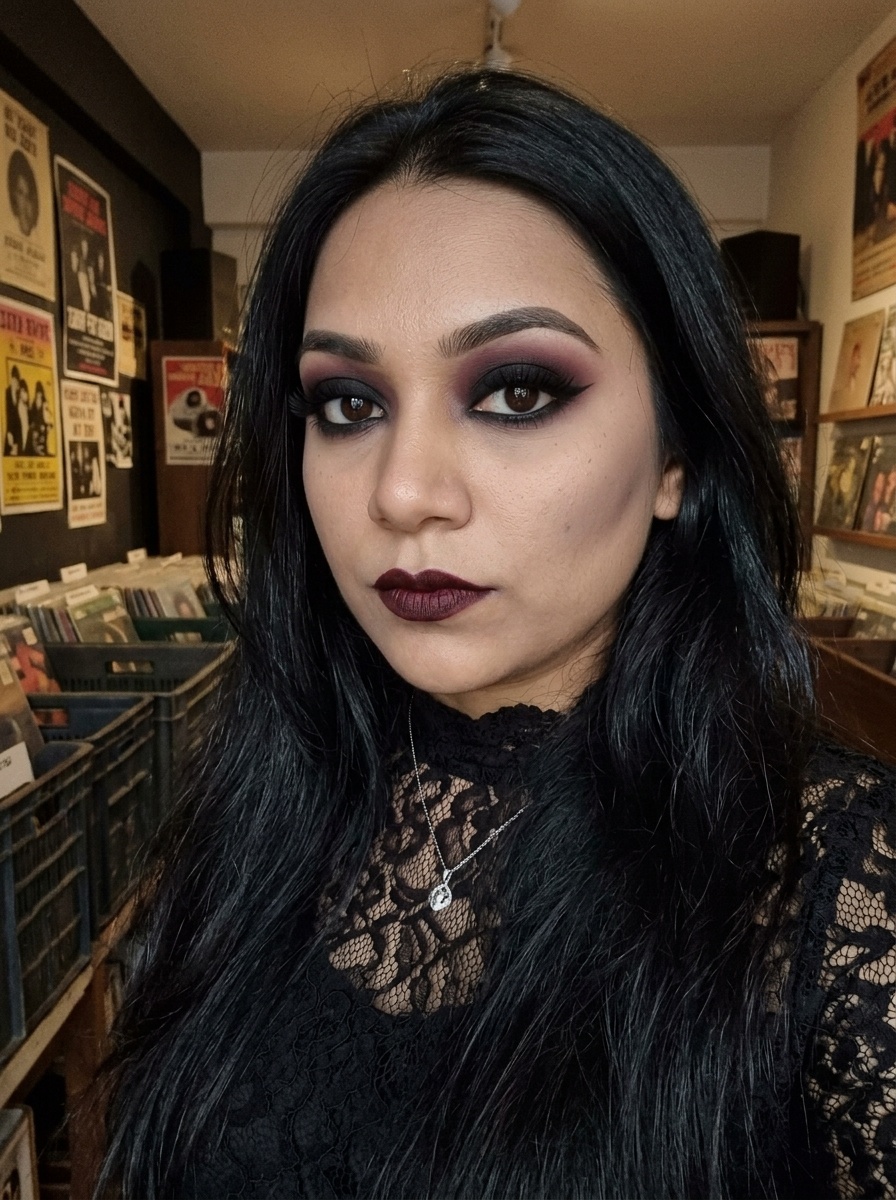 Goth Makeup
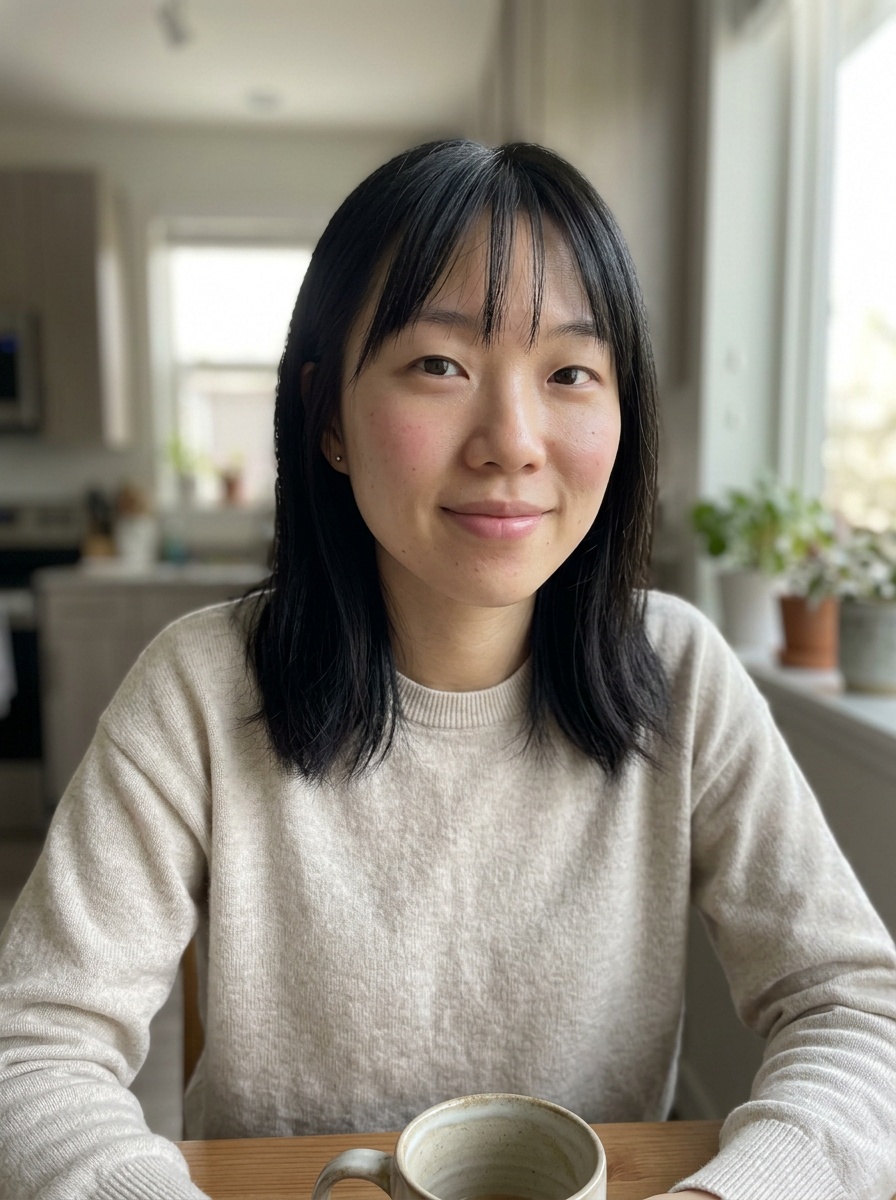 Natural Makeup
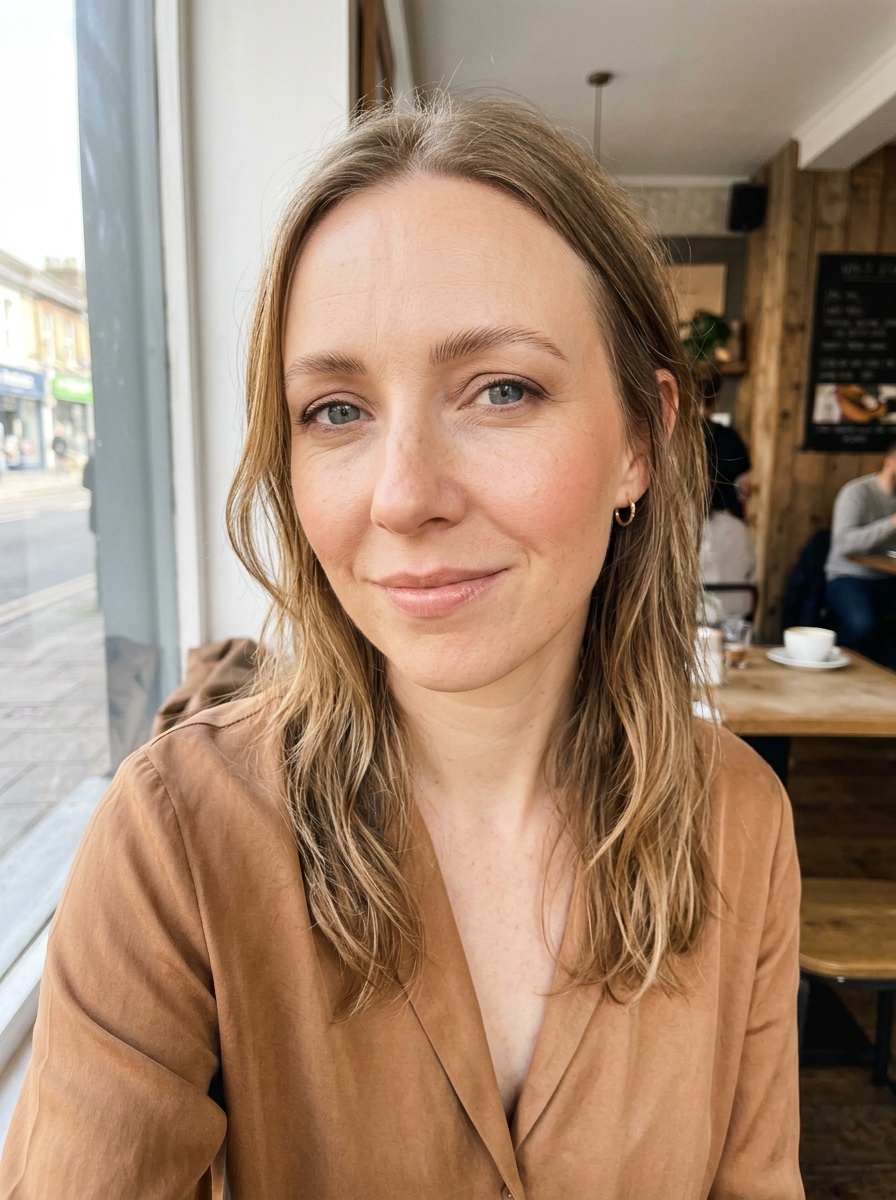 Soft Glam
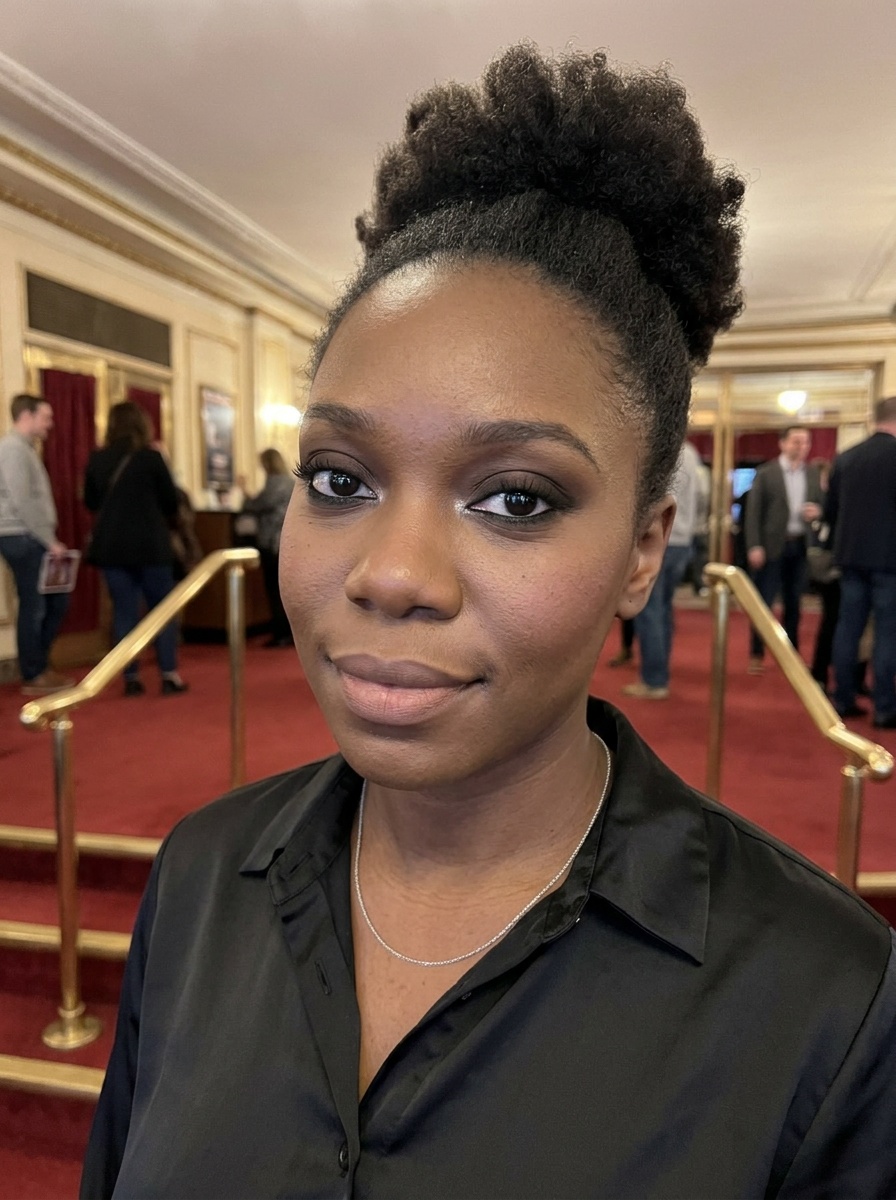 Classic Smokey Eye
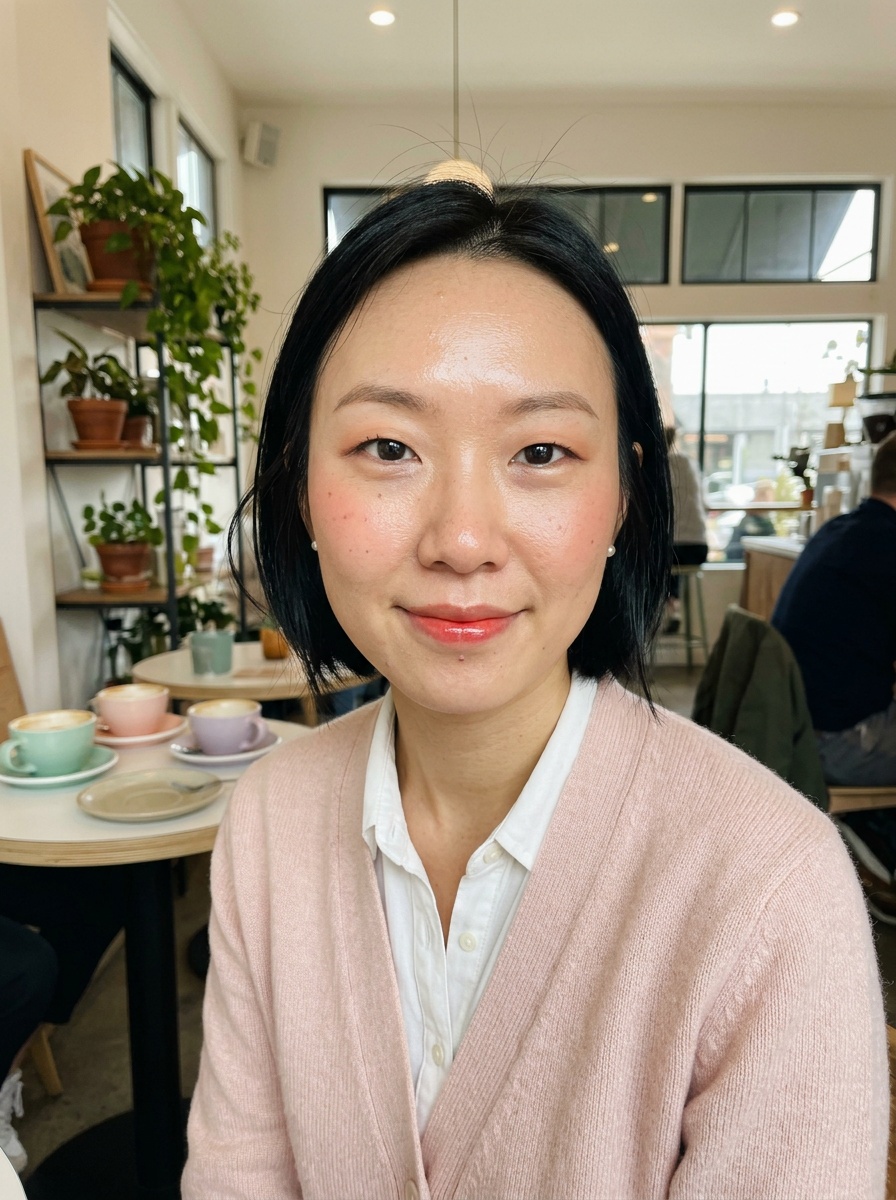 Korean Makeup
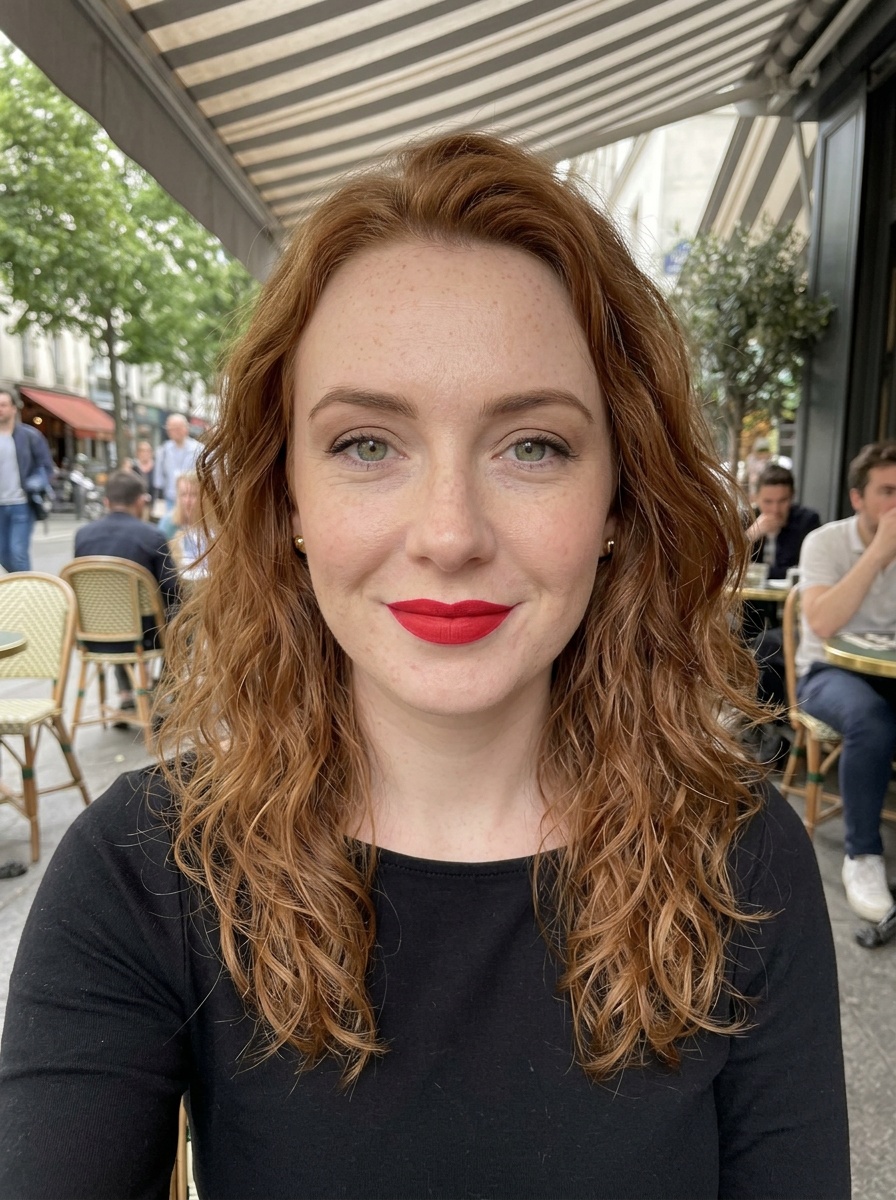 Classic Red Lip
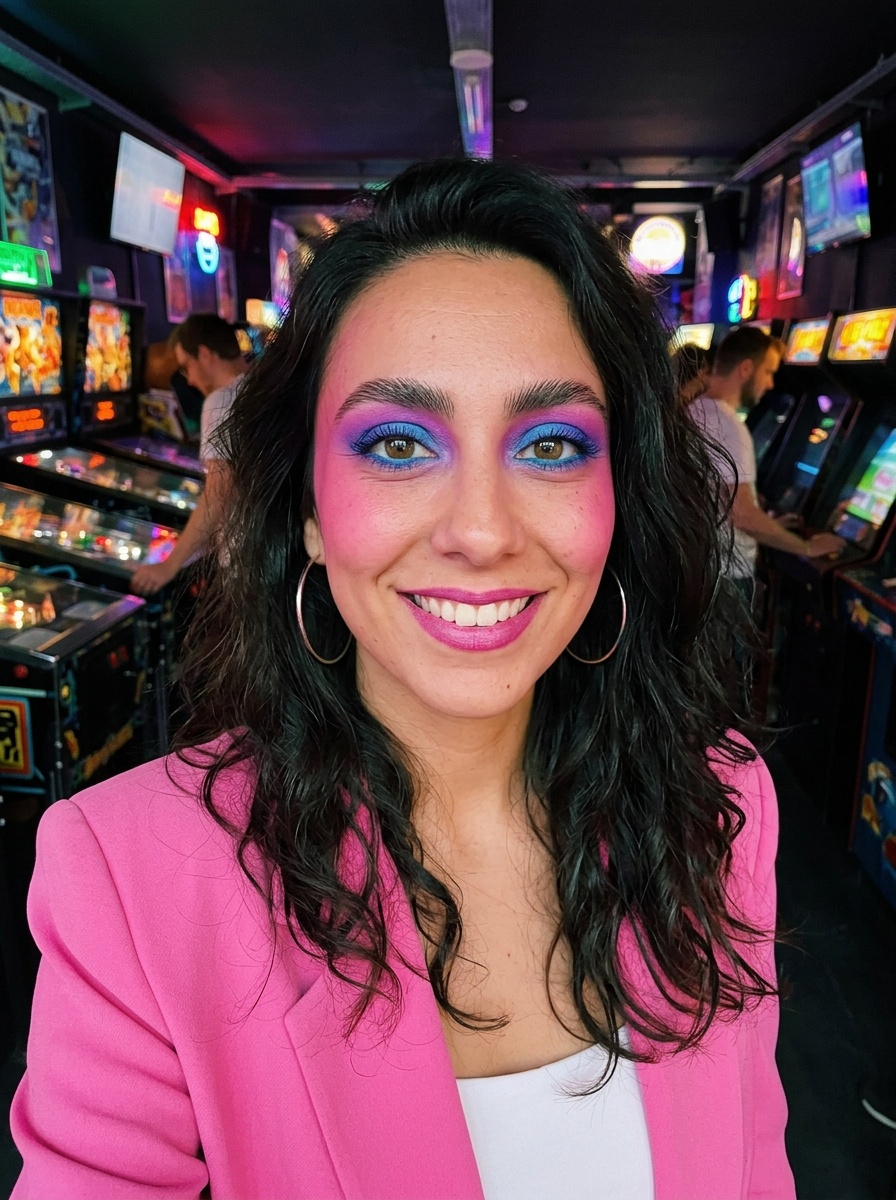 80s Makeup
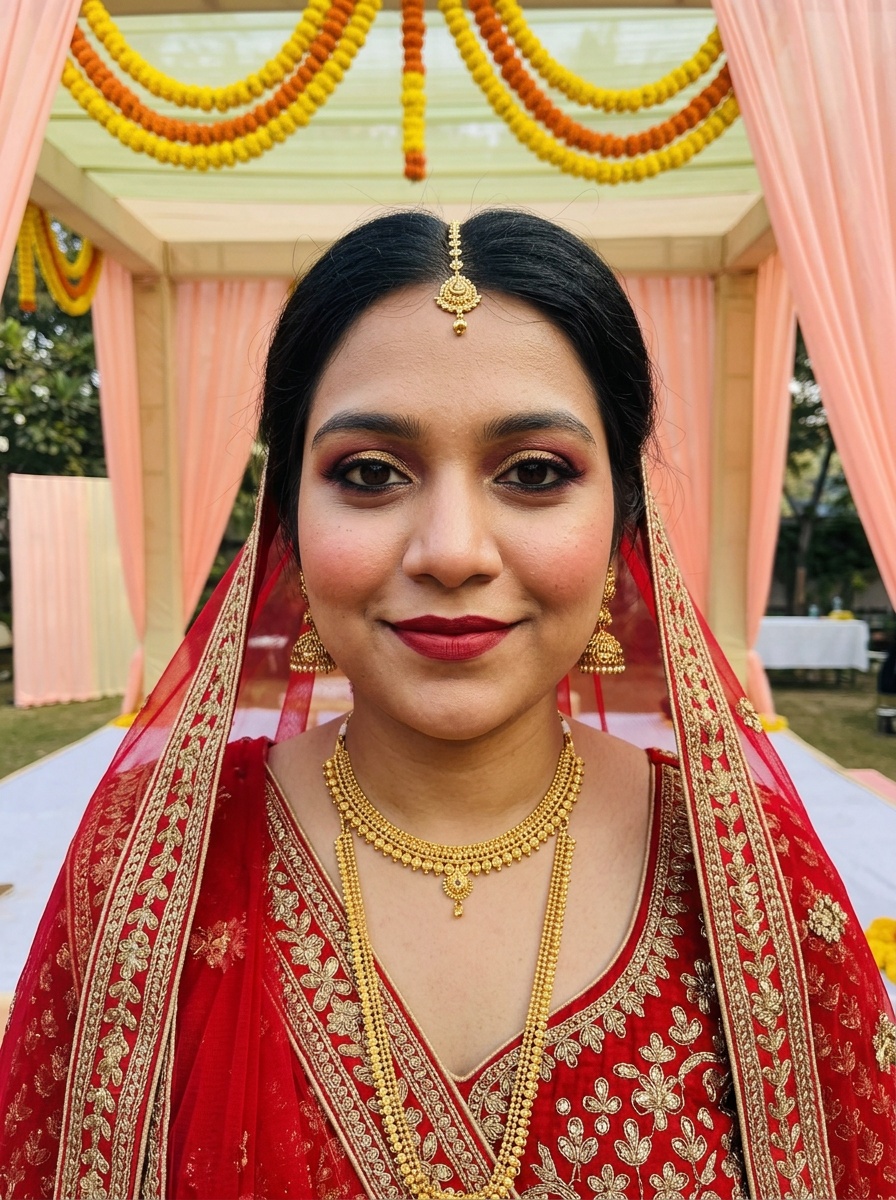 Indian Bridal Makeup
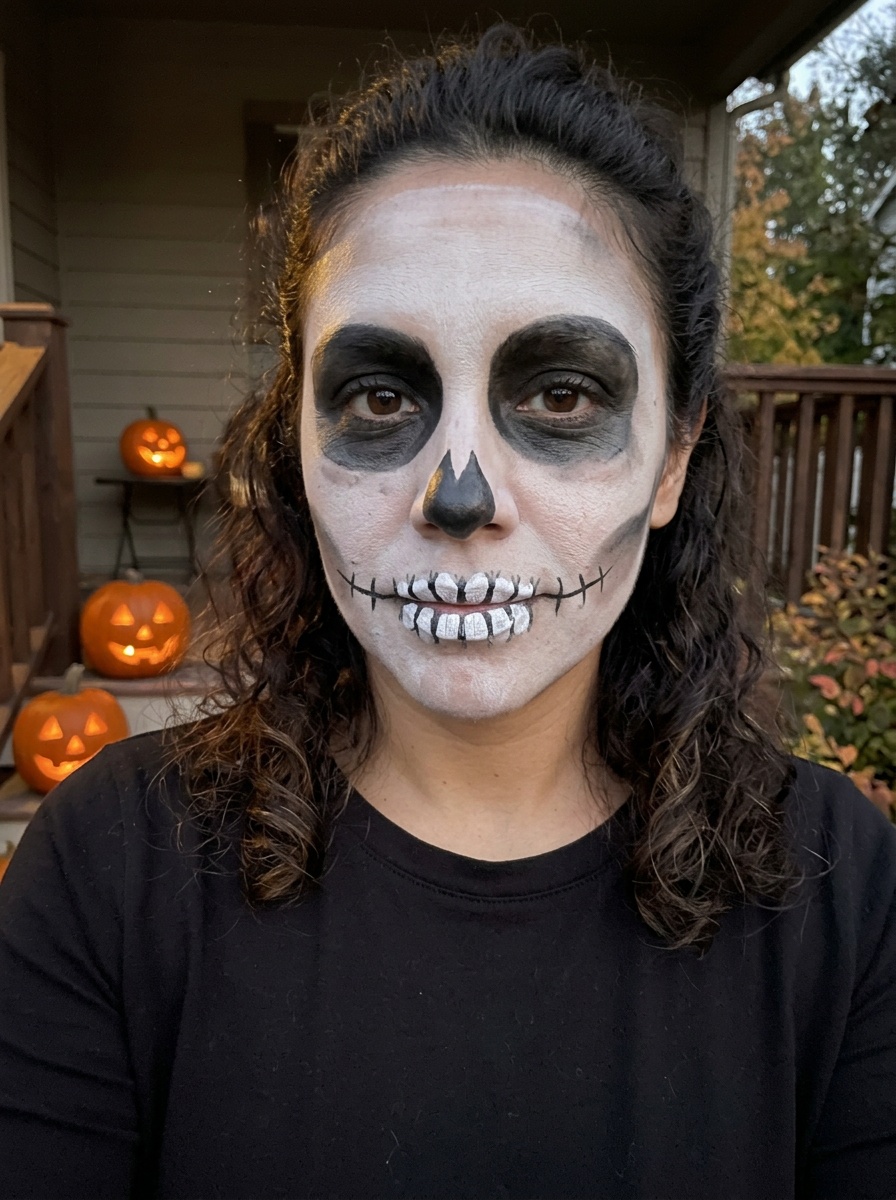 Skeleton Makeup
Getting a good result
- Use a photo without a beauty filter already on it, so the look sits on your real skin.
- Face the camera with your eyes open. A slight angle is fine, a profile isn't.
- Daylight from a window gives the truest colours. Very warm indoor light makes every shade look orange.
- Take off heavy makeup first if you can. A bare or light face shows the new look most clearly.
- If the result looks off, try a second photo in better light before you judge the look.
Questions
- Will it smooth my skin or change my face?
- No. It keeps your face, eyes and skin as they are and adds only the makeup, so the picture still looks like you.
- Can I use a photo I already have?
- Yes. Any clear photo of your face works, from your camera roll or taken on the spot. It has to show one face, and you must be 18 or over.
- Who sees my photo?
- Only you. We delete the selfie and the result 7 days after the try-on, and we don't use your photos to train AI.